You can control a few options in the sales center to customize your RentBamboo experience.
Here you can train the AI for better qualification, turn the AI responses off for leads, turn tours or applications off, control lead assignment and create custom stages.
Editing AI training can be done in the Agents Page.
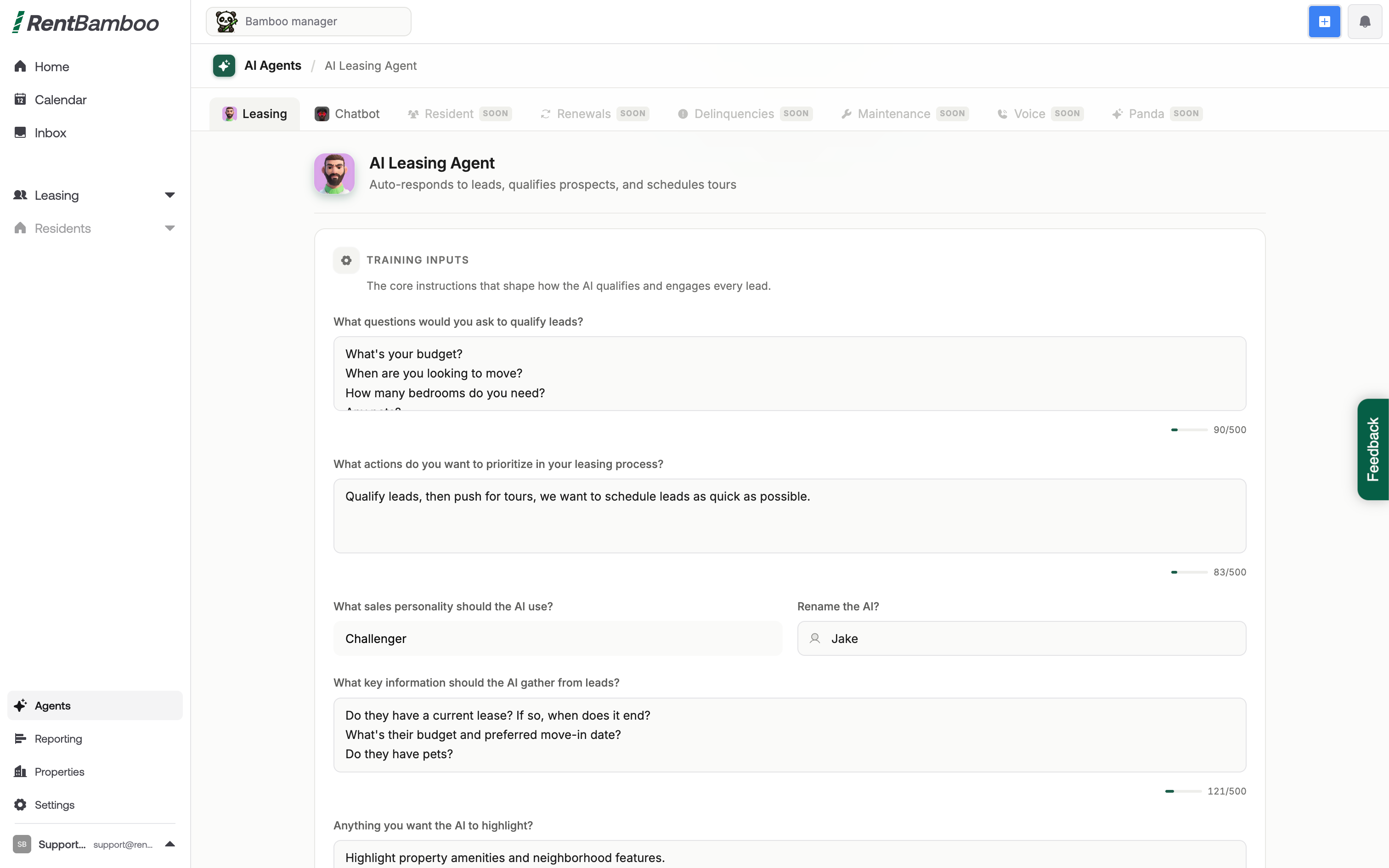
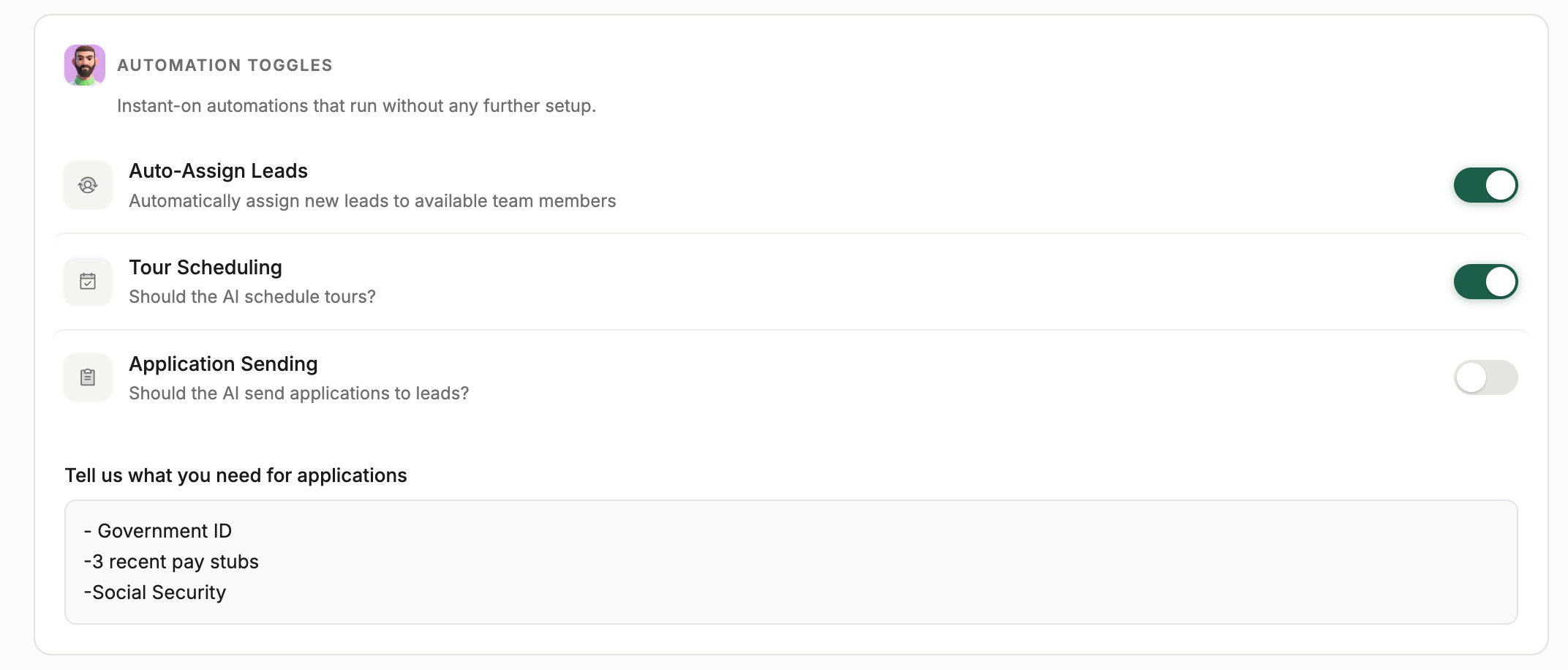
By clicking on the AI icon in the interested and Nurture stage you can control how tours or applications are sent out. You can toggle tours and applications on/off.
If tours are on: We’ll automate tour coordination
If tours are off: We’ll notify the team when someone wants to tour
If applications are on: We’ll automatically send your application, you can also apply training so the AI has context over how to run the application process.
If applications are off: We’ll notify you when a lead wants to apply, you can also apply training so the AI has context over how to run the application process.
Auto Assign leads: You can choose to auto assign leads or leave them unassigned.
If leads are assigned: We’ll automatically assign to your lease team
If leads are unassigned: We’ll only assign prospects to your lease team when they tour or apply
You can create custom stages in the sales center to match your leasing process. Leads in these stages won’t be automated for the AI.

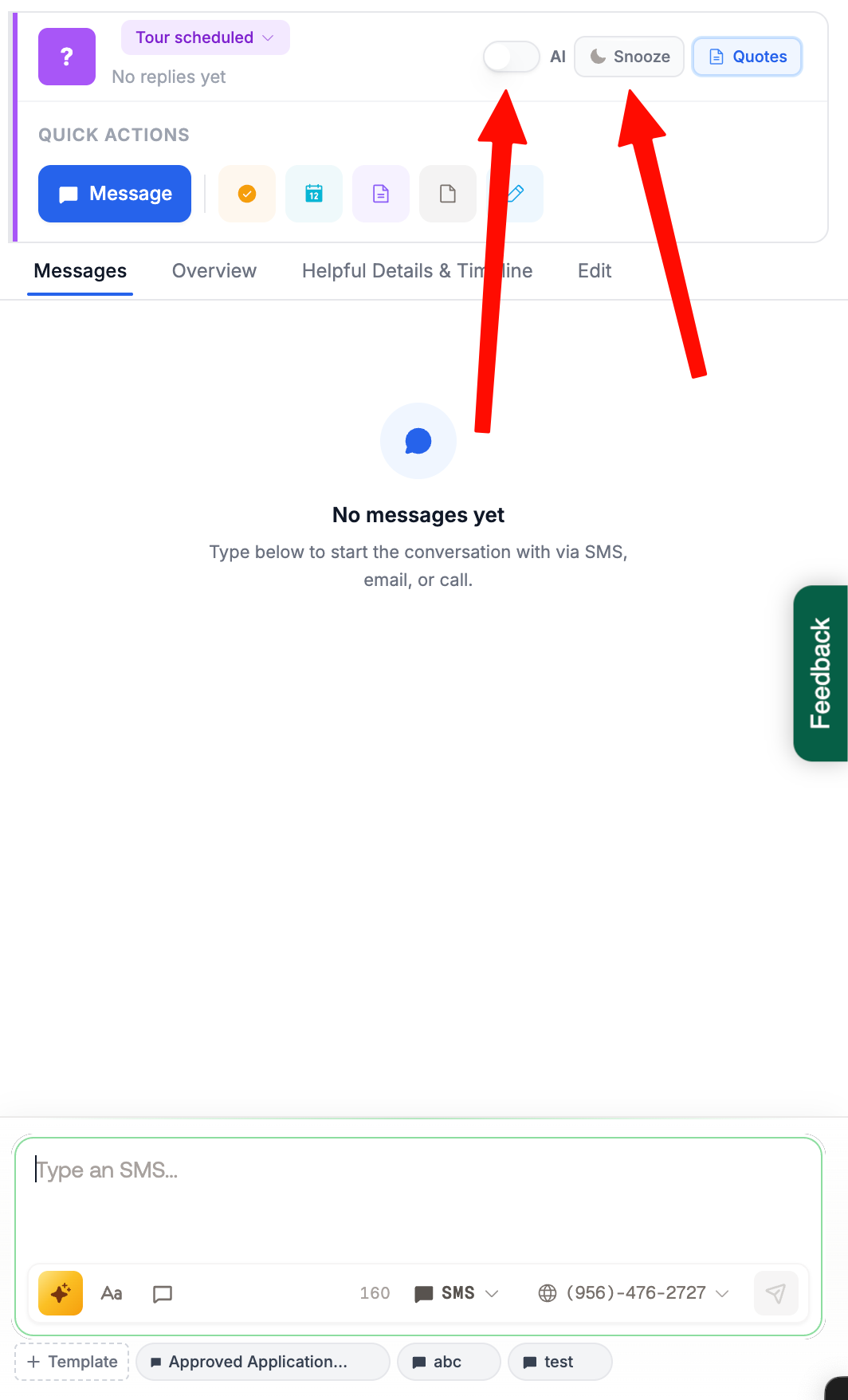
You can turn the AI off per lead if needed. This is most useful when you want to only message a prospects manually without the AI!
You can do this by clicking on any lead card, or directly in any SMS, email or unibox chat!