While RentBamboo automatically imports leads from your PMS and lead sources, you can always add leads manually, this will help with walk ins.
To upload a lead:
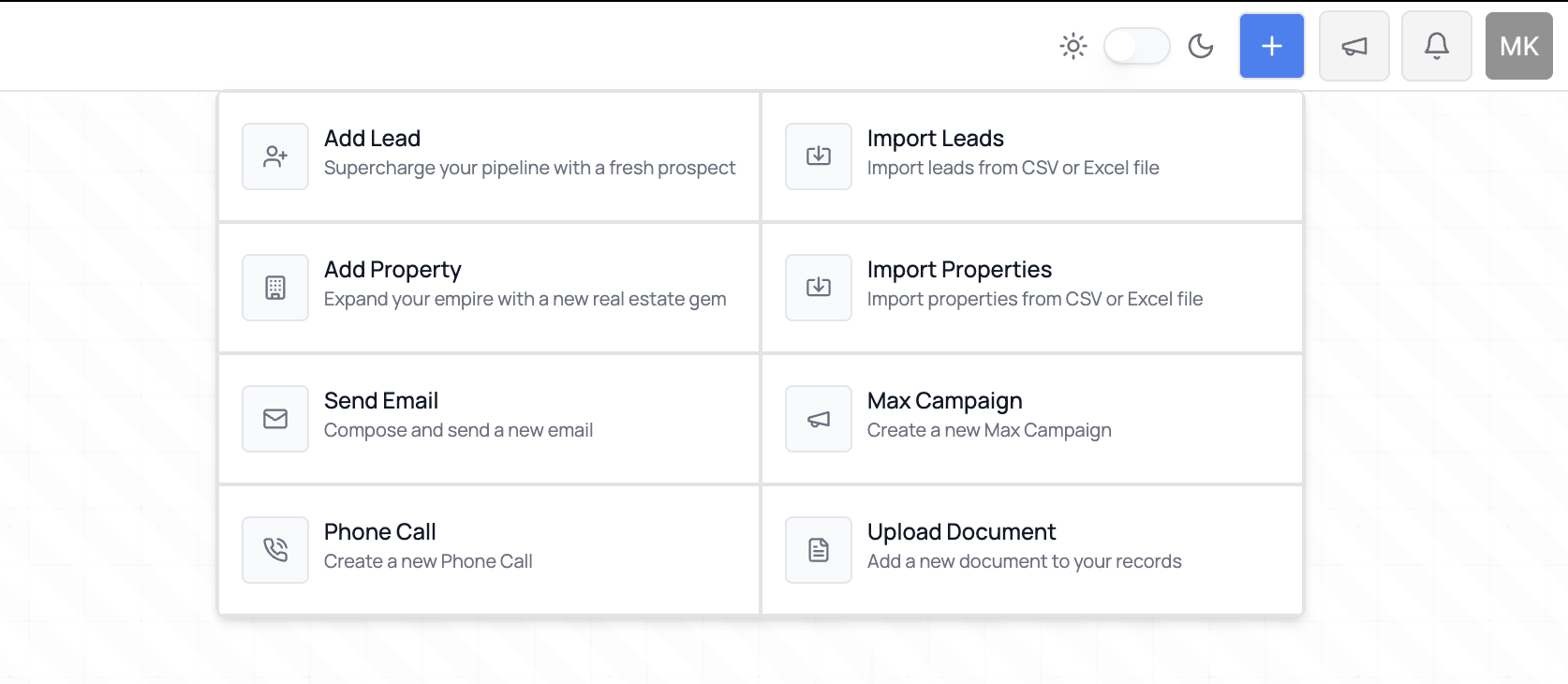
Click the blue “Add Lead” button in the top-right corner. (You can also do this directly in your sales center by hitting the “+” on the lead stage)
Fill out the lead form.
Click Save to add the lead to your system.
Your properties will normally sync automatically during onboarding. However, you can also upload properties manually if needed.
To upload a property:
Click “Add Property.”
Choose one of the available upload options.
Fill out the property details in the upload form.
You can also sync a property by pasting the property website link directly into the upload form.
