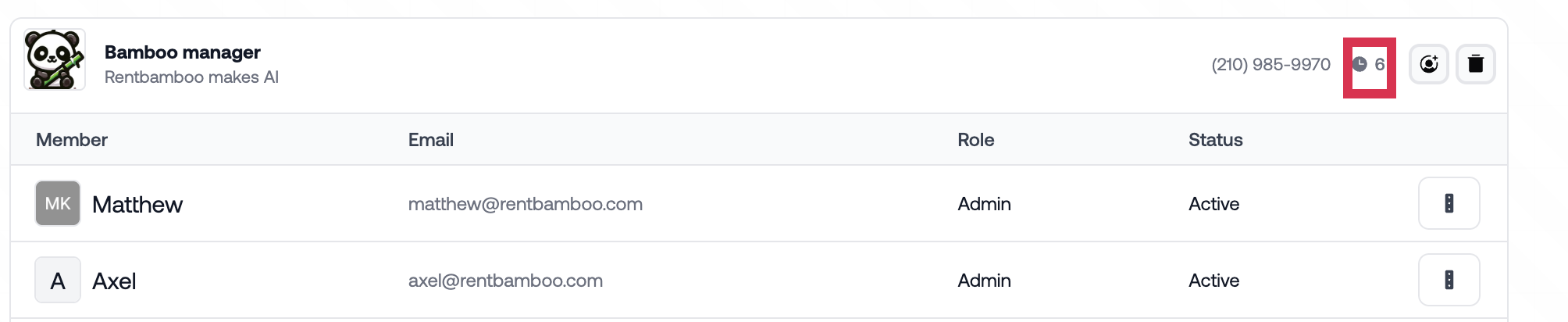
The tour configuration page is crucial for teams using RentBamboo’s tour links. There are options that each team can take to tailor the tour scheduling system to your ideal process.
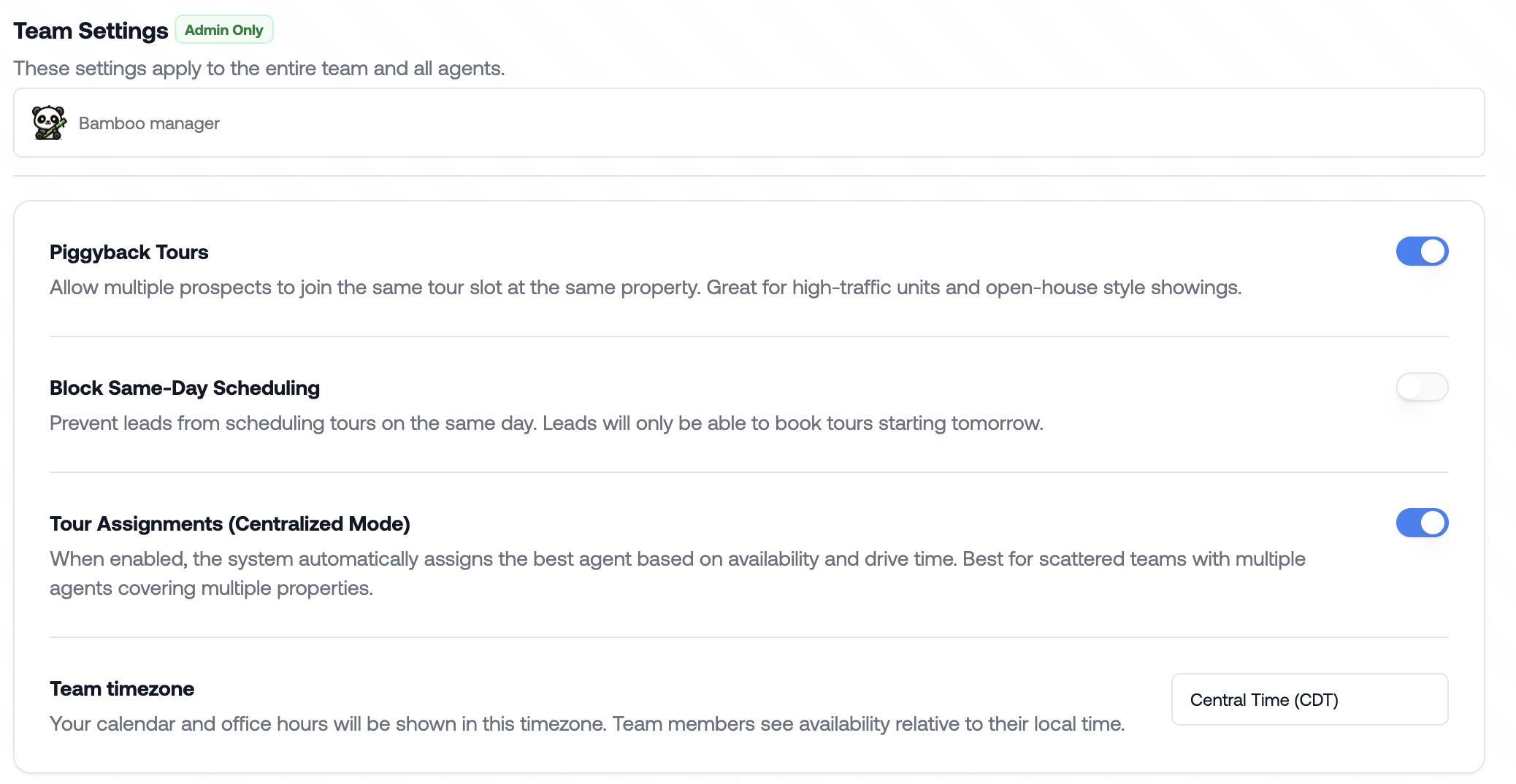
Piggyback tours: Allow multiple prospects to tour the same property at the same time (Best for open house style)
Block Same-Day Scheduling: Block prospects ability to schedule tours on the same day
Tour Assignments: Allow multiple agents to the same property/unit. When this is enabled we’ll use round robin to assign leads and tours.
Team timezone: Choose your timezone for communication and tour scheduling.
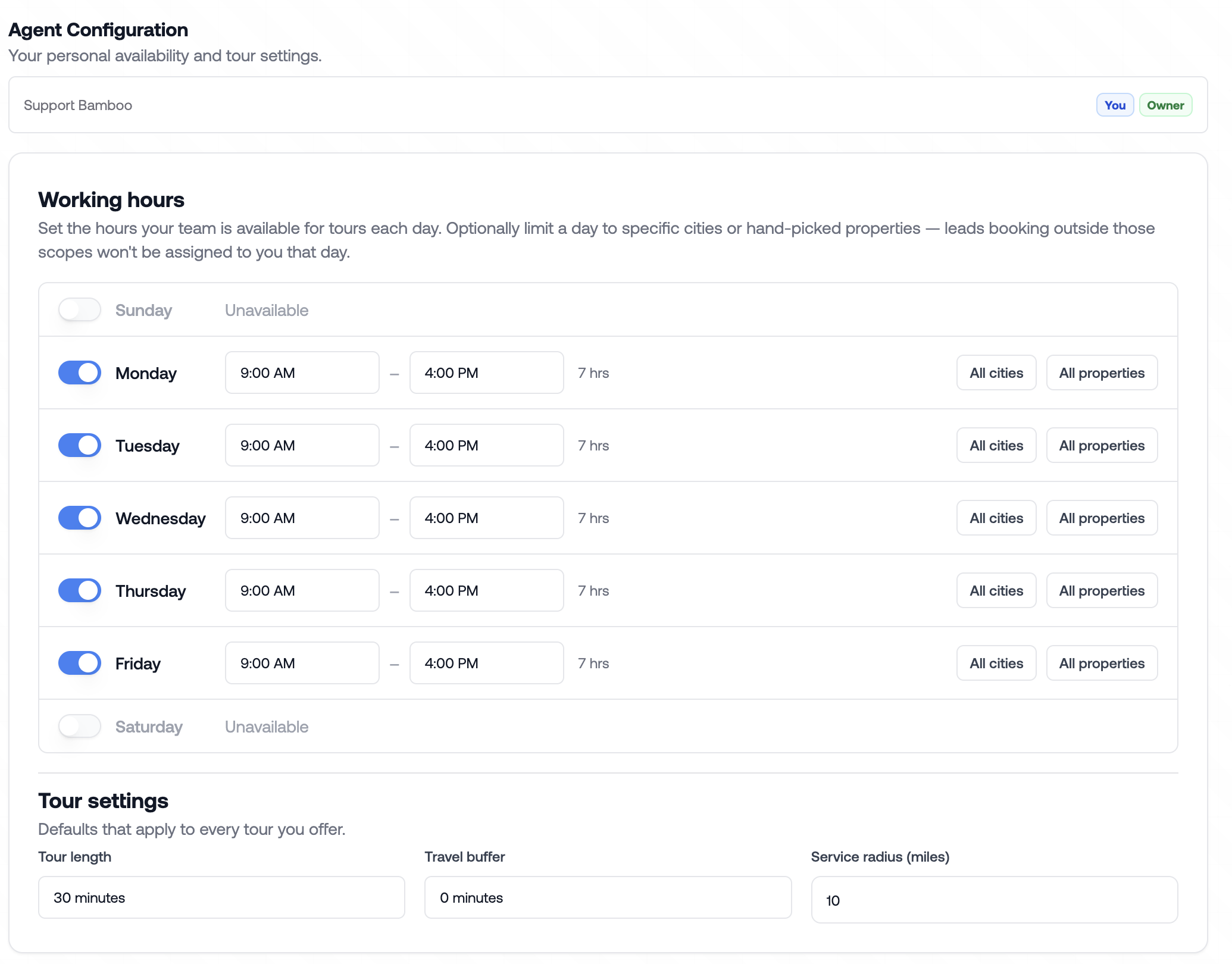
Choose your working hours to decide when the AI is allowed to schedule tours. In Tour settings you can edit tour length, travel buffer and service radius.

In Weekly availability you can create high priority showing windows, or block off times you’re not available.
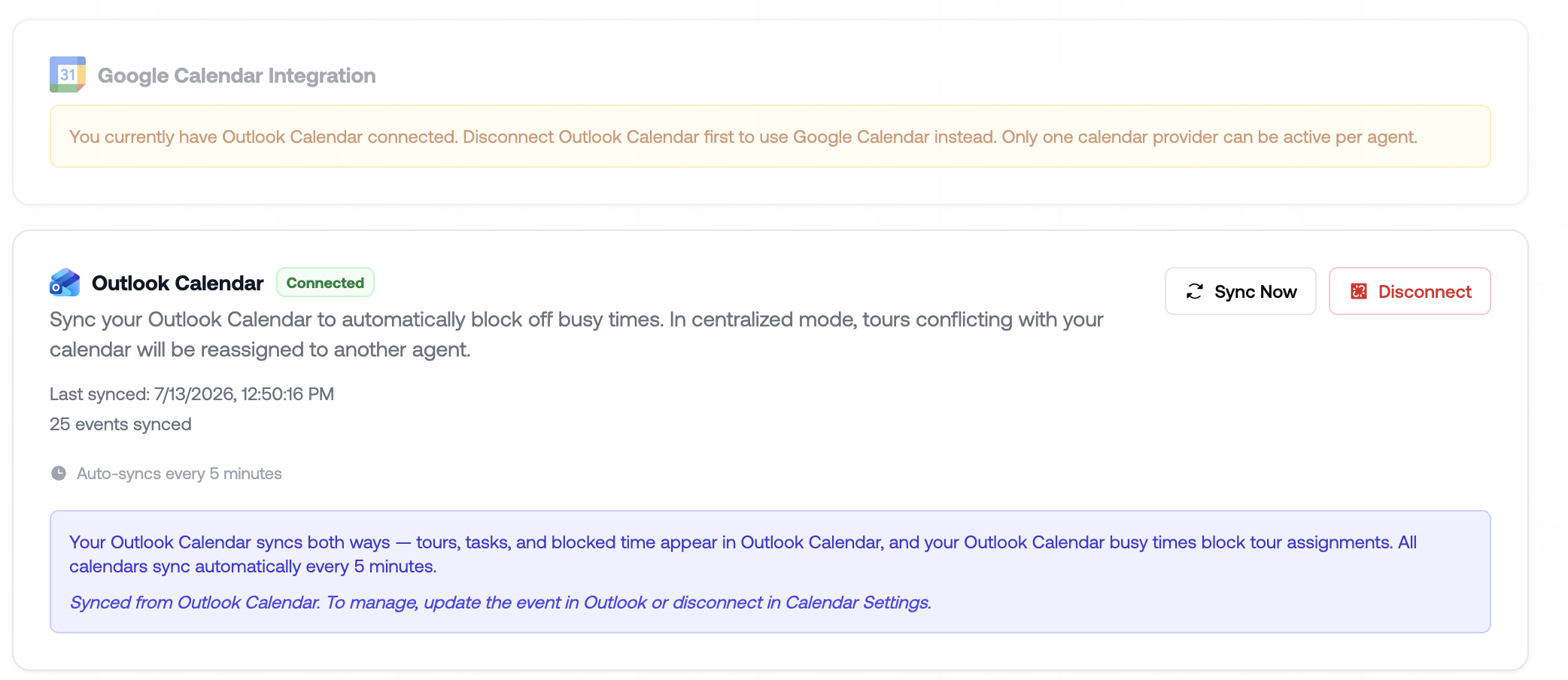
You can also directly integrate your Gmail or Outlook calendar so busy times sync directly in.
Lastly, we’ll create your teams working hours so the AI can tell prospects about your office hours incase they request it.
Navigate to the team settings page and click the clock (the red box below). From here you can choose which days and hours the office is open.