
Sign in here: Sign in to RentBamboo
Didn't get an invite? Check spam first, then email [email protected] and we'll resend it.
Need to add more team members? Go to Settings → Team and send invites by clicking the “add” icon on the team. (Screenshot below)
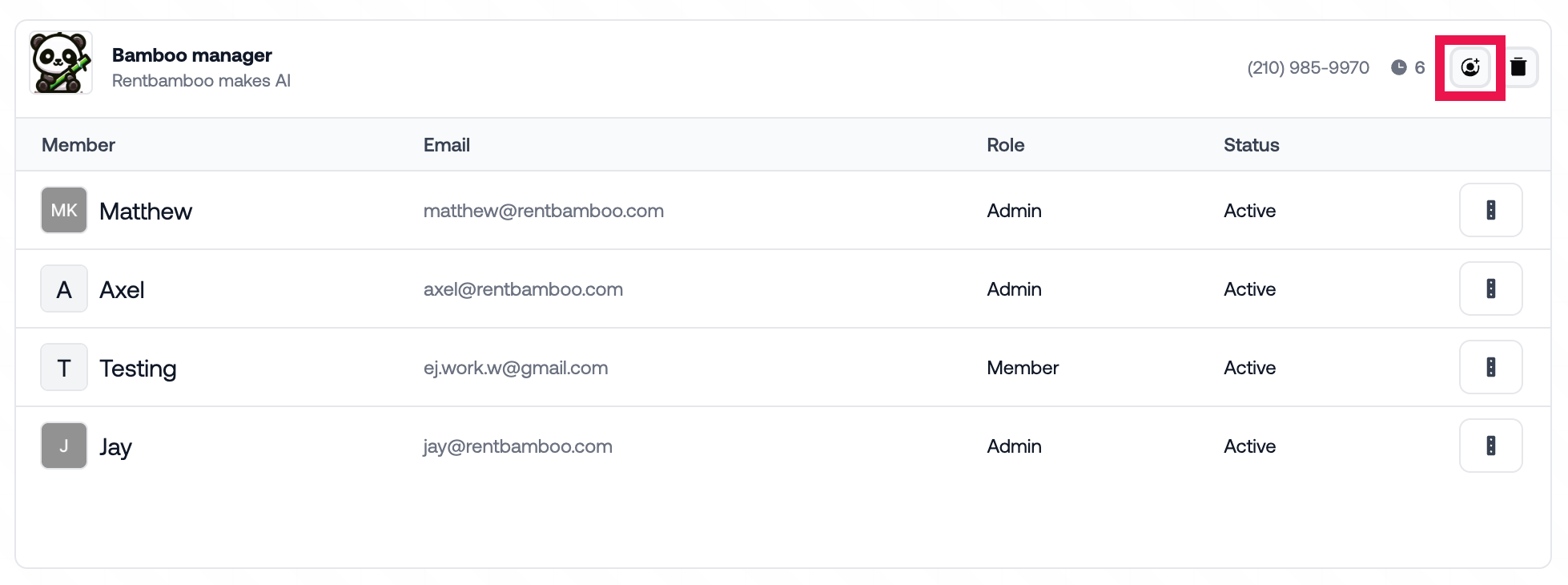

All invites based on your intake form should be sent out. To resend them go to the team section in settings or reach out to [email protected]