If you’re not setting up AI voice calls, we’ll need to redirect calls to your office line to ensure leads get connected with your team.
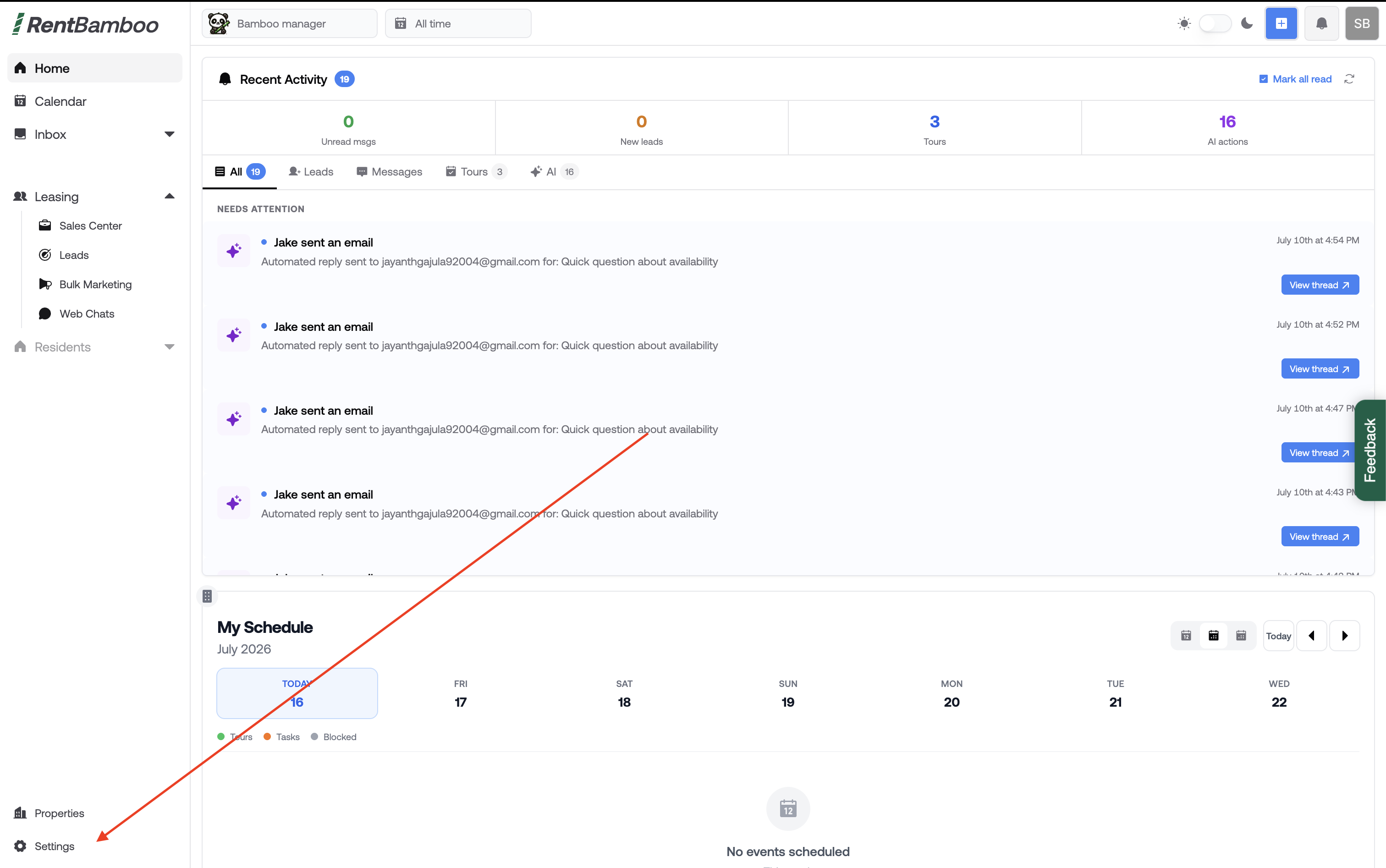
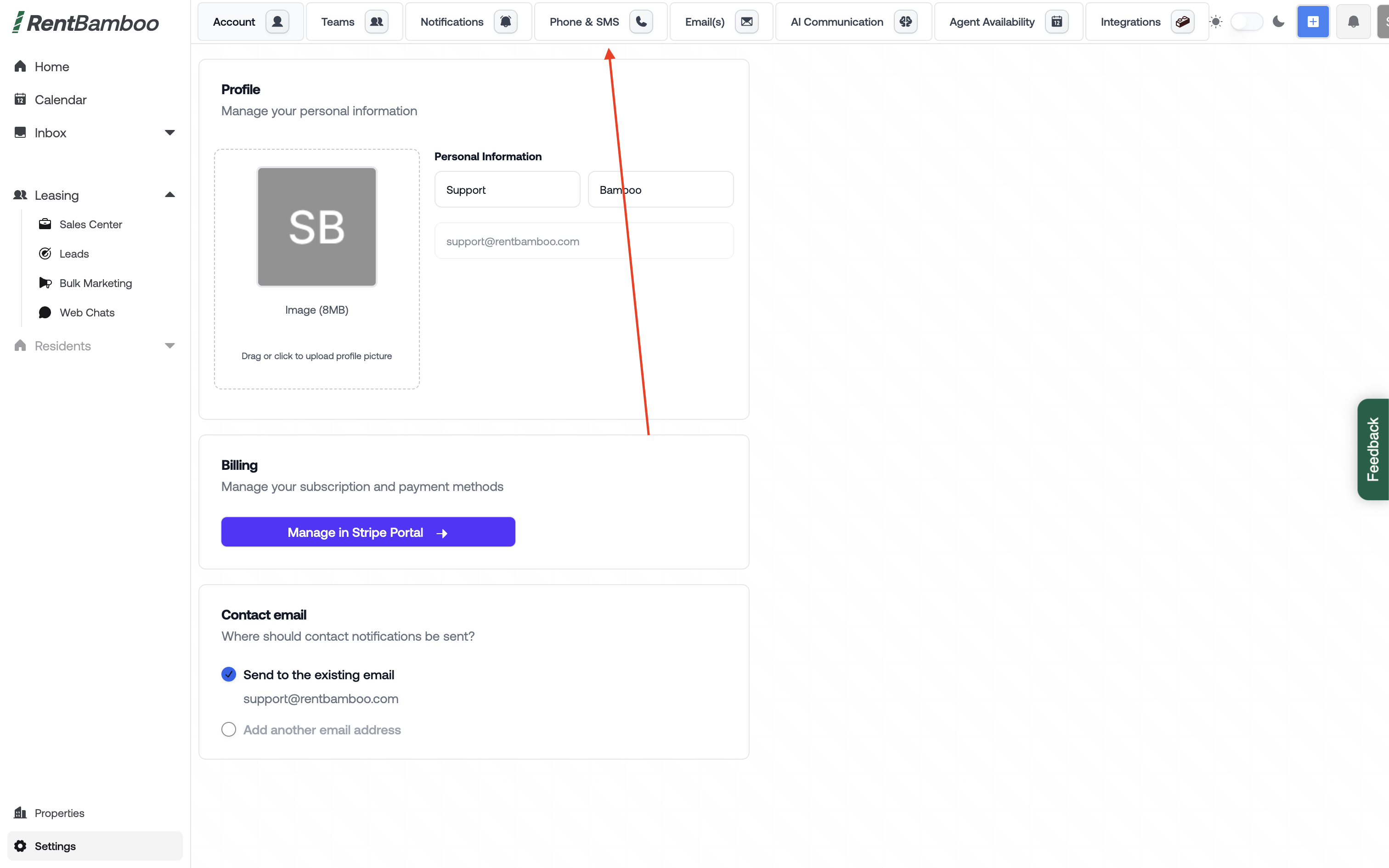
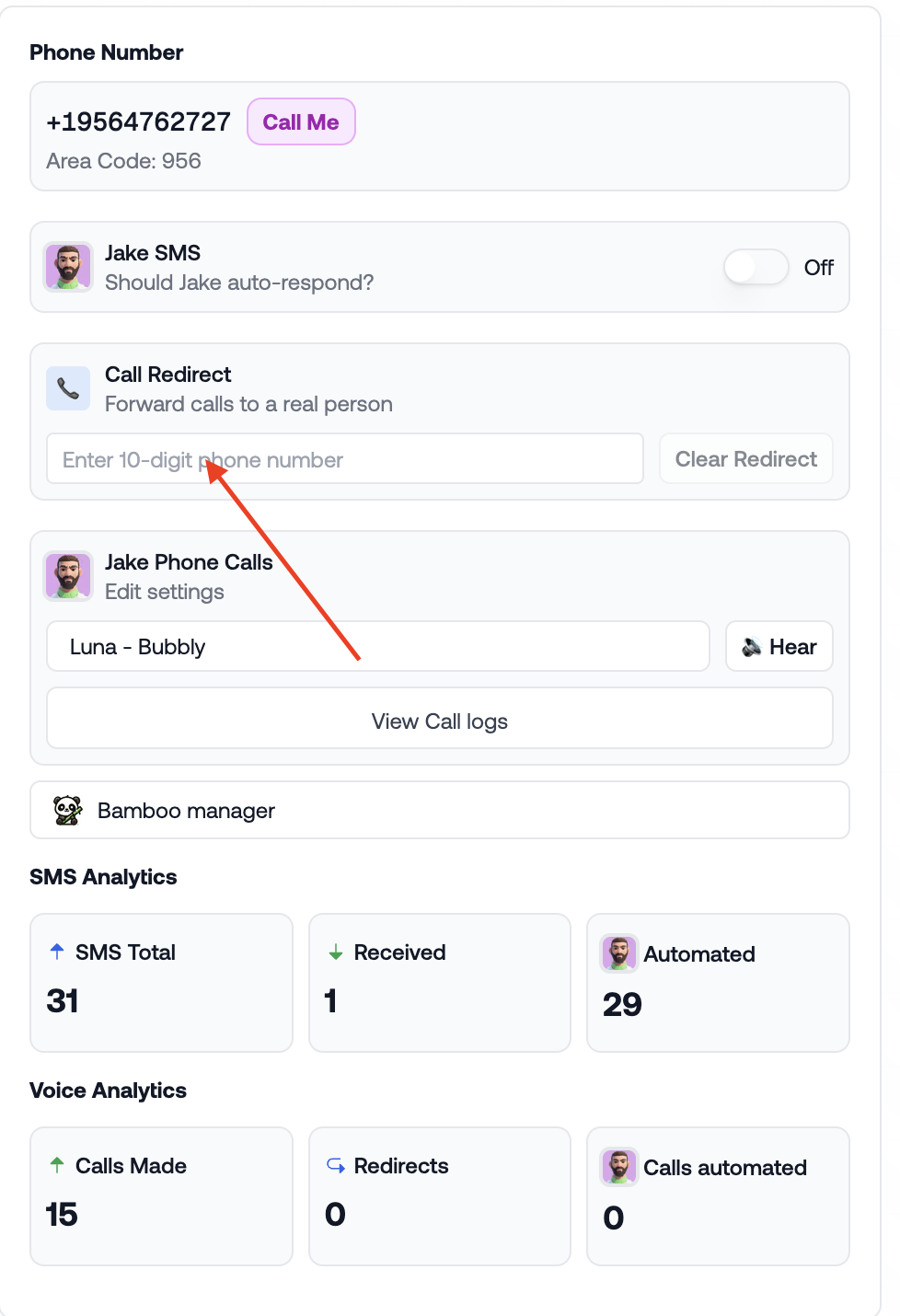
-Locate your RentBamboo number (Phone & SMS in settings
-Find your provider below
-Follow the guide
Where to set forwarding:
RingCentral Admin Portal or RingCentral App
Steps:
Log into RingCentral (desktop or web app)
Go to Settings → Phone → Call Handling
Click Edit next to Incoming calls
Under Forward all calls, choose Forward to external number or extension
Enter your RentBamboo phone number
(Optional) Configure ring order or multiple forwarding numbers
Save changes
Log in to your ILS or PMS listing section
Update the contact phone number to your RentBamboo number
Save changes — you’re done ✅
Turn ON call forwarding
Dial: 21 (rentbamboo number)#
Press Call
Wait for confirmation tone or message
Turn OFF call forwarding
Dial: #21#
Dial: *21 (rentbamboo number)#
Press Call
Wait for confirmation tone or message
Turn OFF call forwarding
Dial: ##21#
Turn ON call forwarding
Dial: *72 (rentbamboo number)
Press Call
Wait for confirmation tone or message
Turn OFF call forwarding
Dial: *73
If you need direct help email [email protected] for any troubleshooting or testing help.
