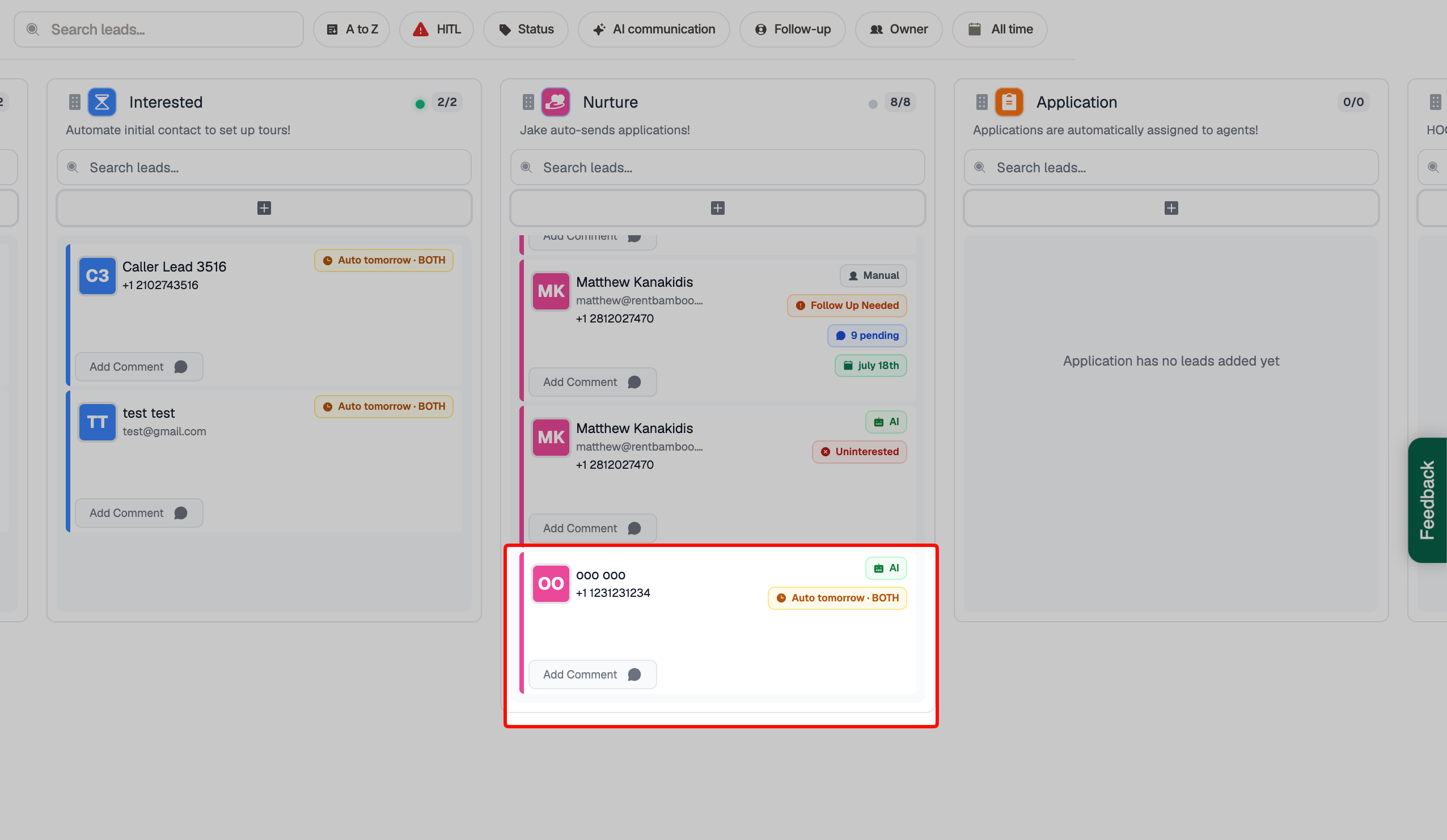
Go to the Sales Center and click on a lead card to view the prospect's details.
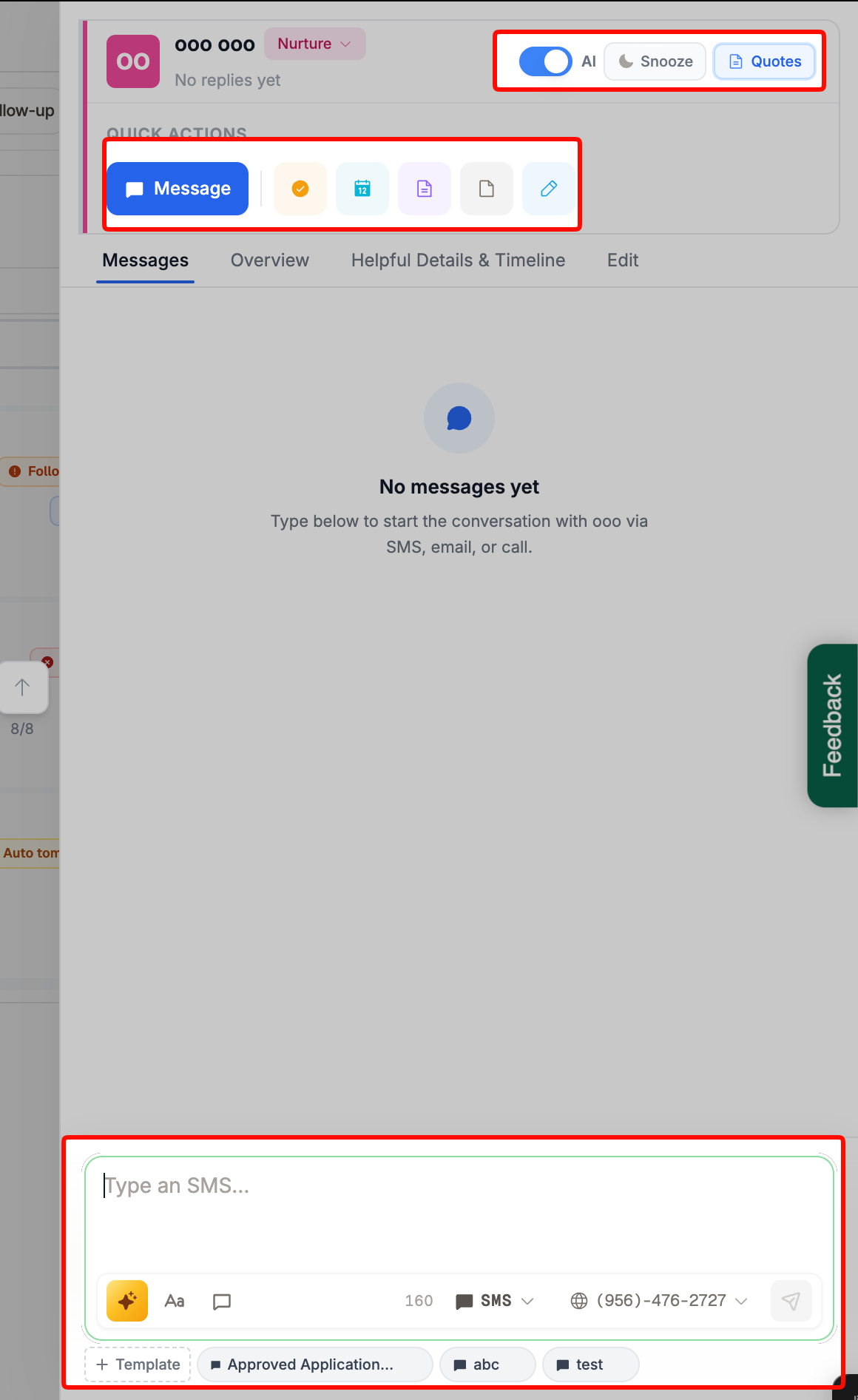
When clicking on a lead card you’ll see the message tab to directly message the prospect along with AI controls and quick actions you can take.
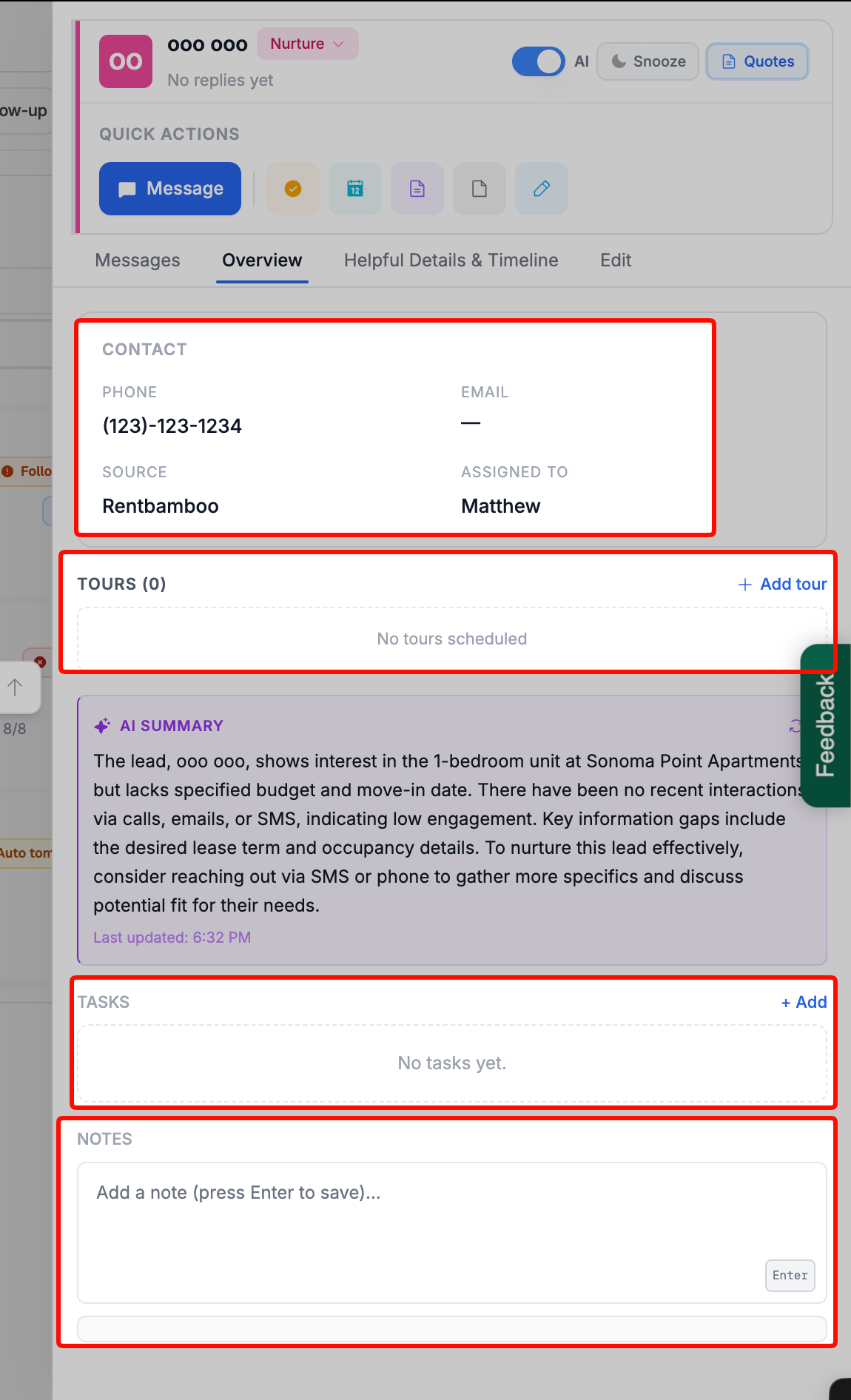
Here, you can view upcoming tours or create a new tour. You can also create tasks and add notes.
In the Helpful details page, you’ll see all the information the AI has picked up regarding the prospect, you can also make direct edits. By scrolling down you’ll also see the full timeline of the prospect.
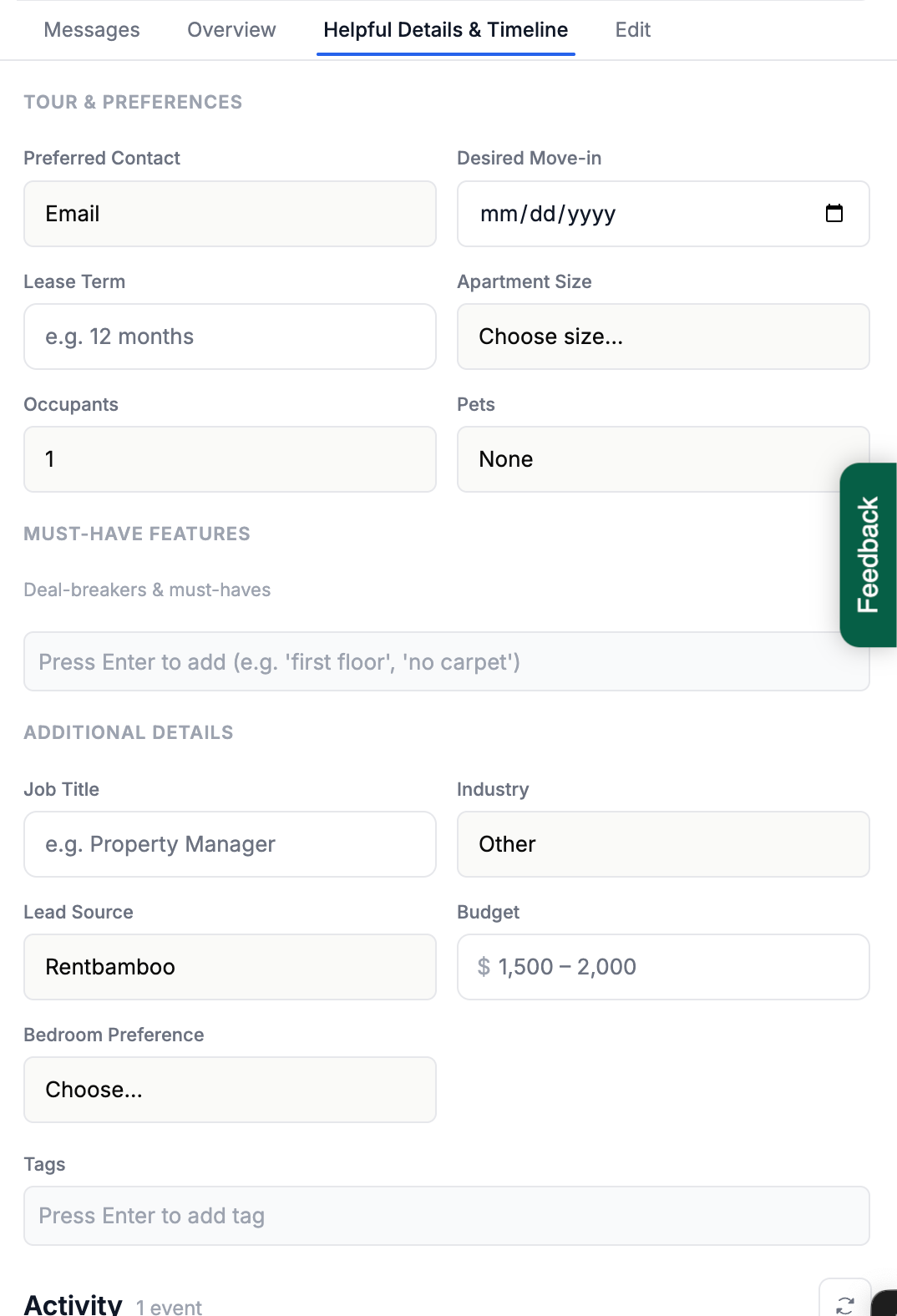
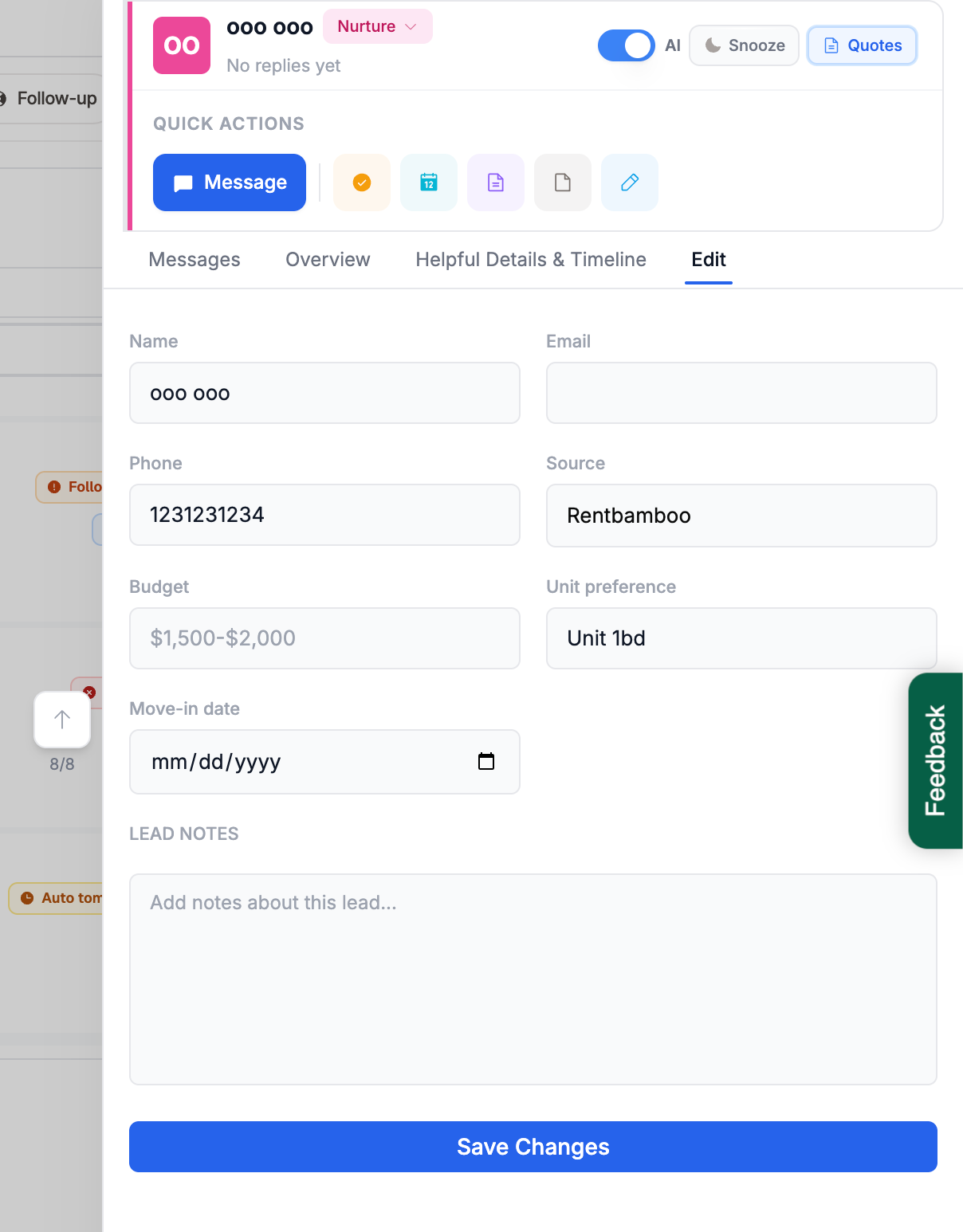
On the Edit tab you’ll be able to edit all information relating to the prospect. Depending on what information changes the AI may change it’s out reach strategy, like follow up more or less frequently based on move in dates.