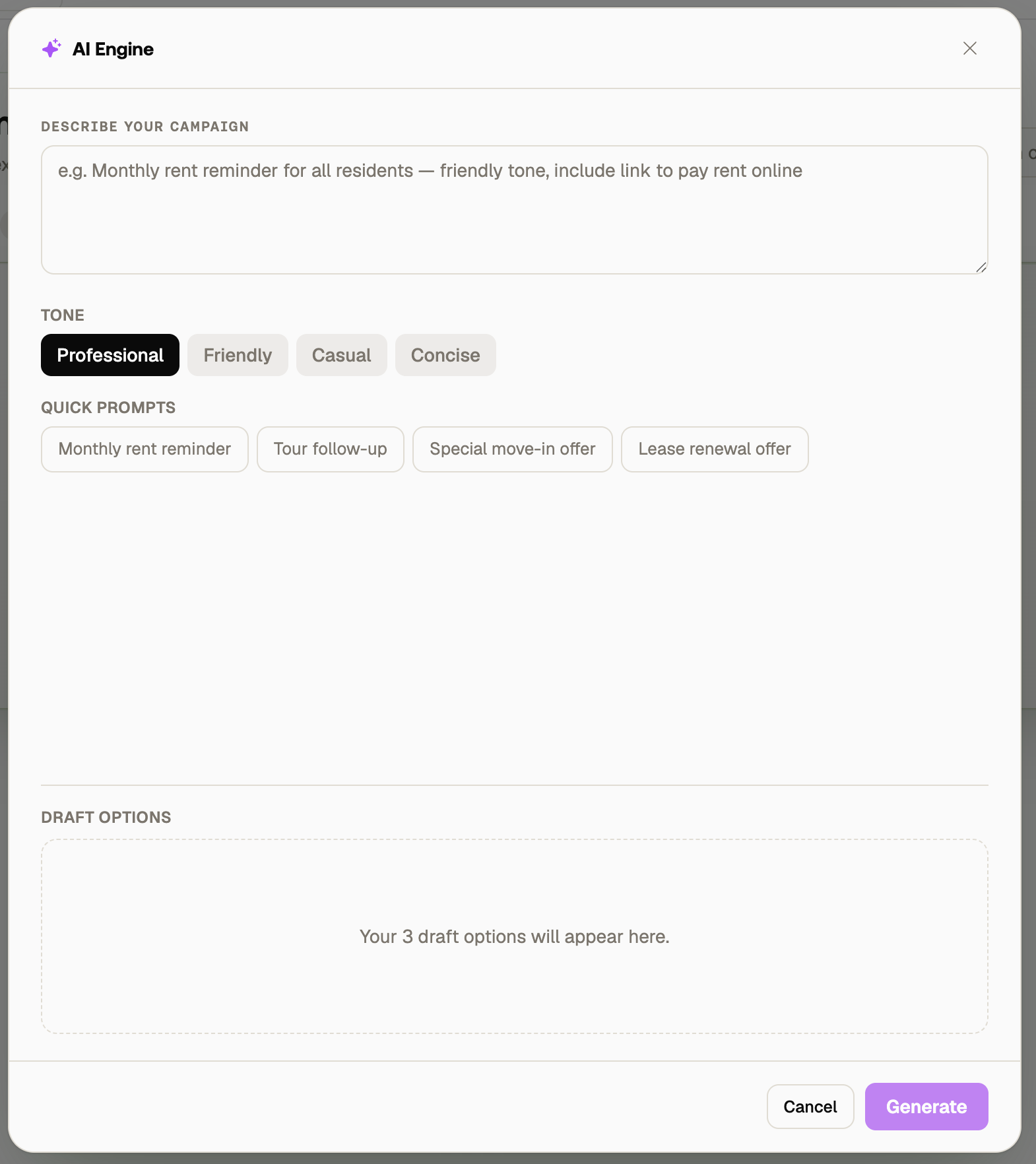
Go to Bulk Marketing and click Create Campaign.
Select New Campaign to get started.
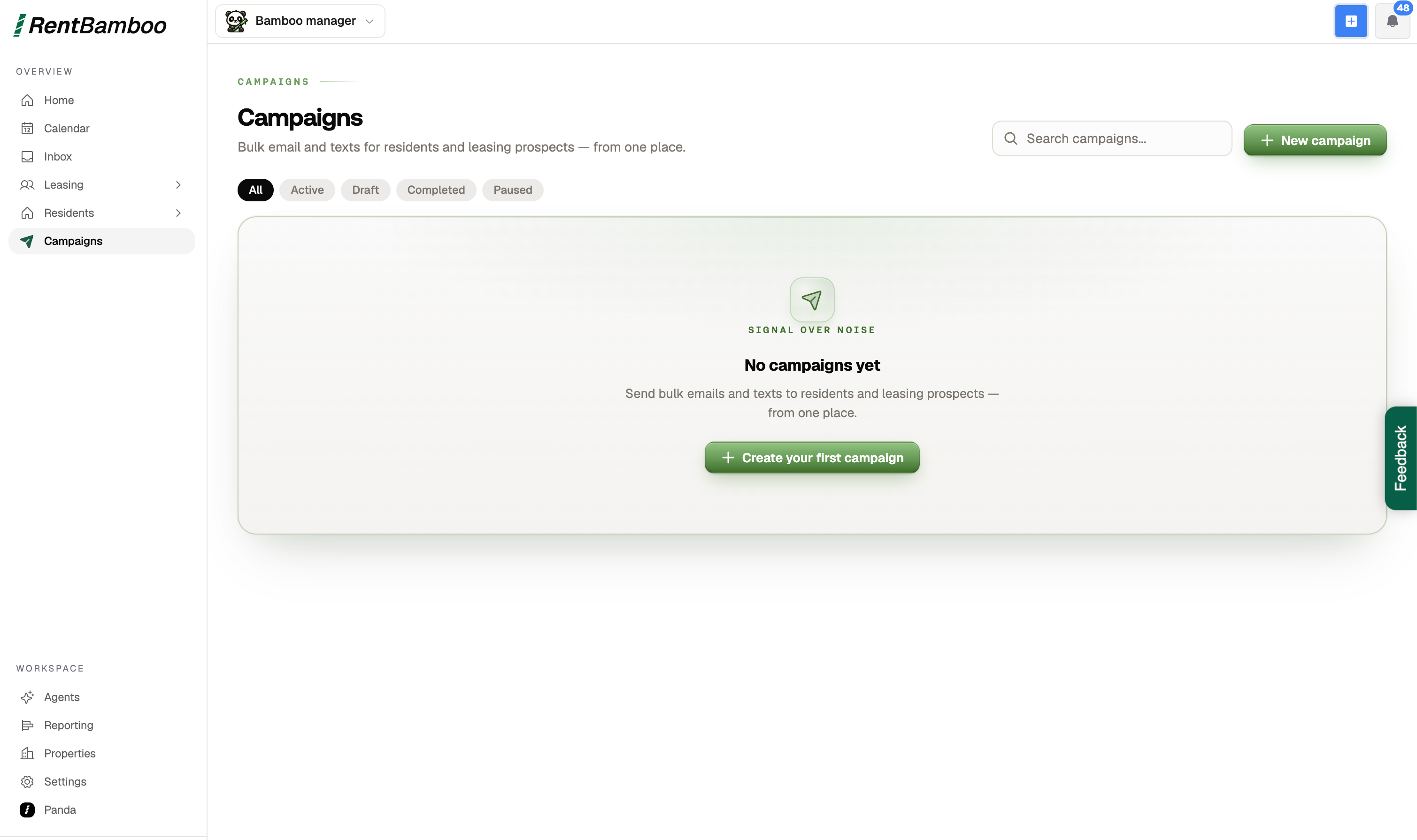
RentBamboo offers two campaign types:
User Campaigns
Text-based campaigns without images. These are best for:
Rent reminders
Basic follow-ups
Post-tour messages
Other direct prospect or resident communication
Property Campaigns
Text-based campaigns that can include property images. These are best for:
Marketing available units
Promoting new units
Property announcements
General marketing blasts
You can also select from a preset template. For this example, we'll start from scratch with a User Campaign.
AI powered text campaigns have a limit of 100 SMS sends per campaign, while email campaigns are unlimited.
If an SMS campaign has more than 100 eligible prospects, RentBamboo will automatically delay the remaining messages until the next available run.
If a campaign uses both email and SMS, RentBamboo will prioritize email once the SMS limit has been reached, ensuring no eligible leads are missed.
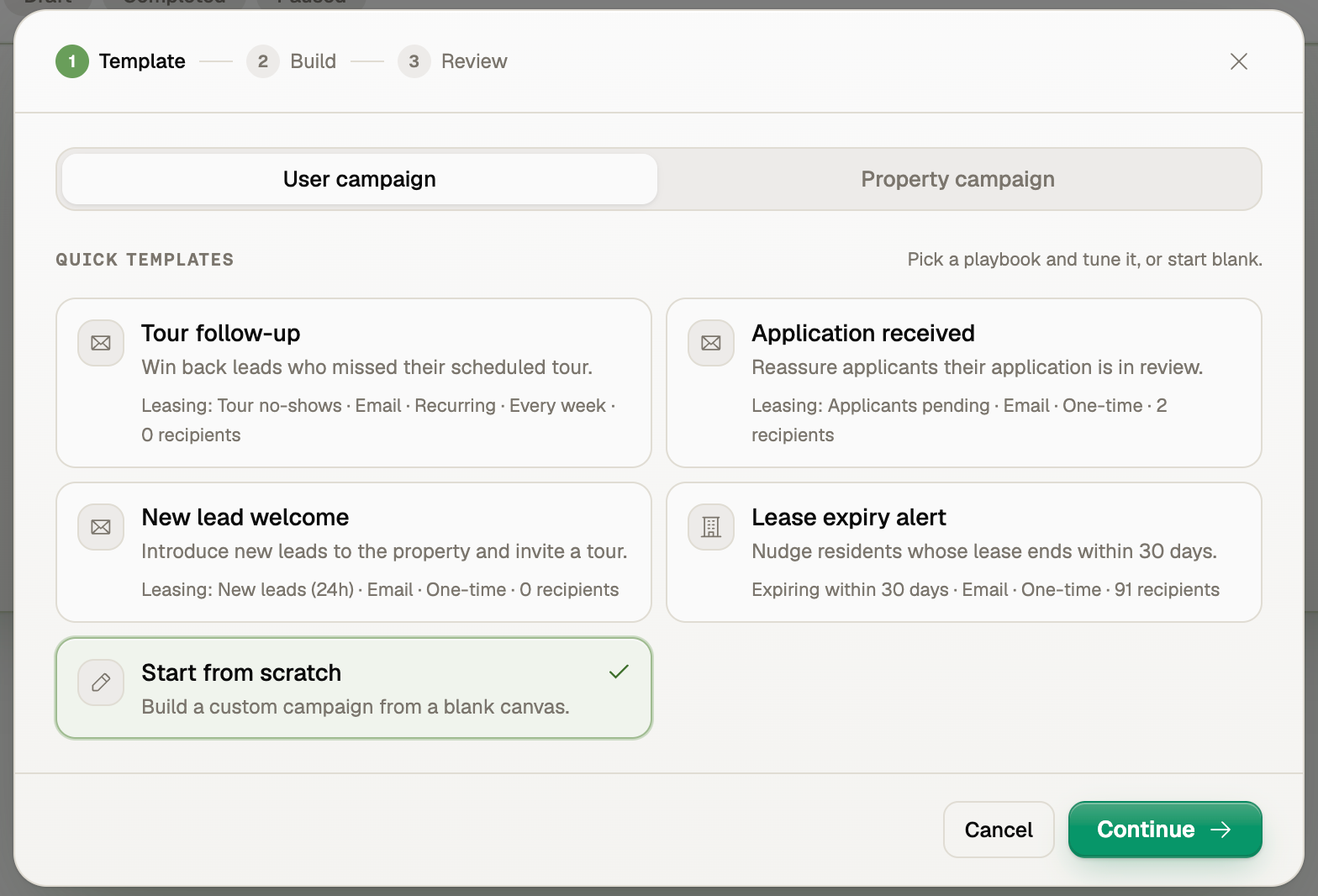
Give your campaign a name, then choose:
Channel — Email, SMS, or both
Schedule — When the campaign should send
Audience — Which prospects or residents should receive it
RentBamboo offers a variety of audiences based on your pipeline and prospect activity.
These audiences are dynamic lists, meaning they automatically update as prospects meet or stop meeting the selected criteria.
For example, if you create a Post-Tour Follow-Up campaign and there are currently no prospects who qualify, the audience will remain empty. As soon as a prospect completes a tour and meets the criteria, they will automatically be added to the campaign.
Choose whether the campaign should be:
One-time — Sends once to eligible contacts
Recurring — Automatically runs on a recurring schedule
Recurring campaigns are useful for ongoing workflows such as rent reminders, post-tour follow-ups, and other repeatable communications.

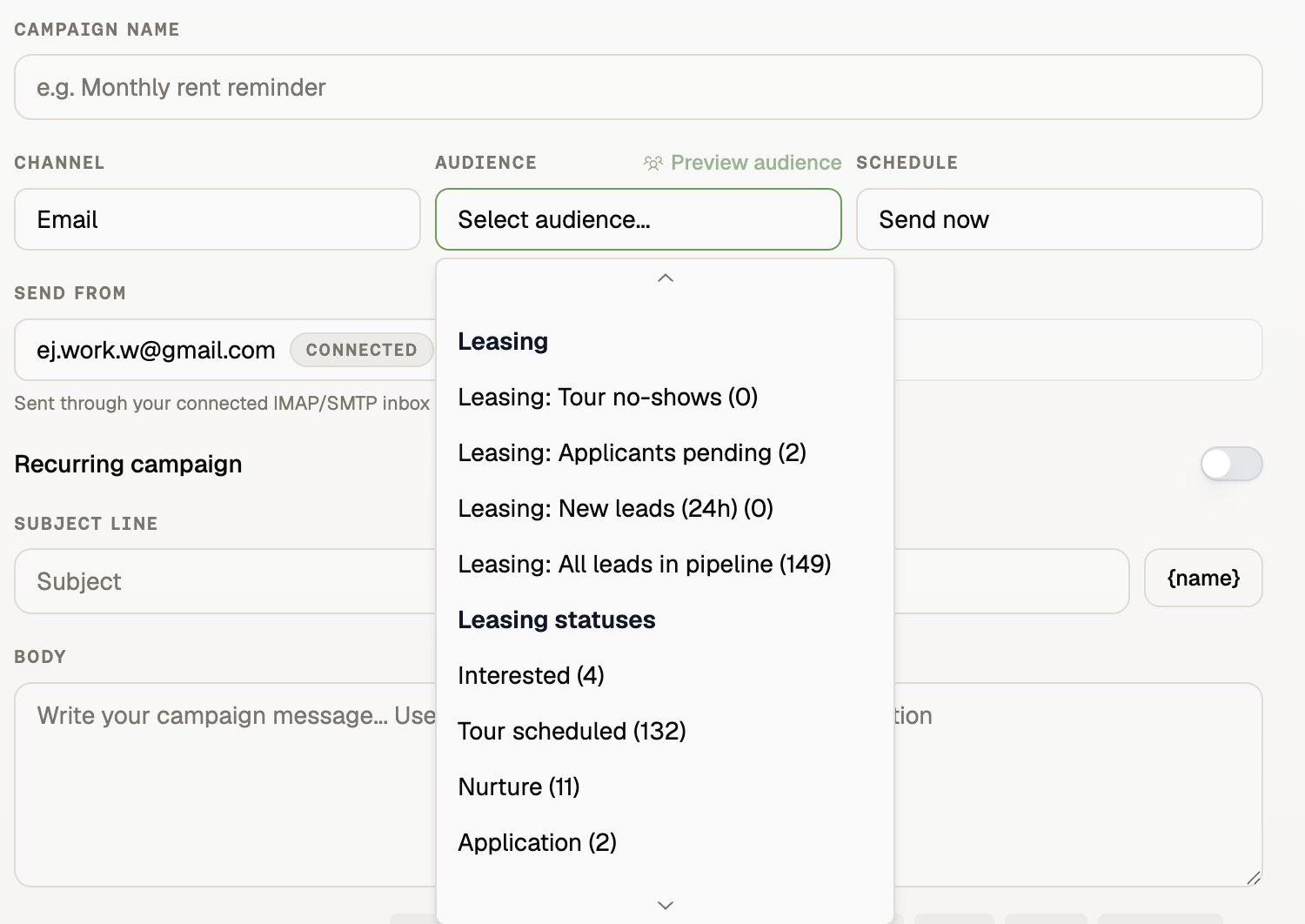
Type your message directly into the campaign editor, or use the AI Suggestions section to help create your message.
You can also insert dynamic variables by clicking the {name} icon.
Variables allow you to personalize messages using information from RentBamboo, such as a prospect's name or property information.
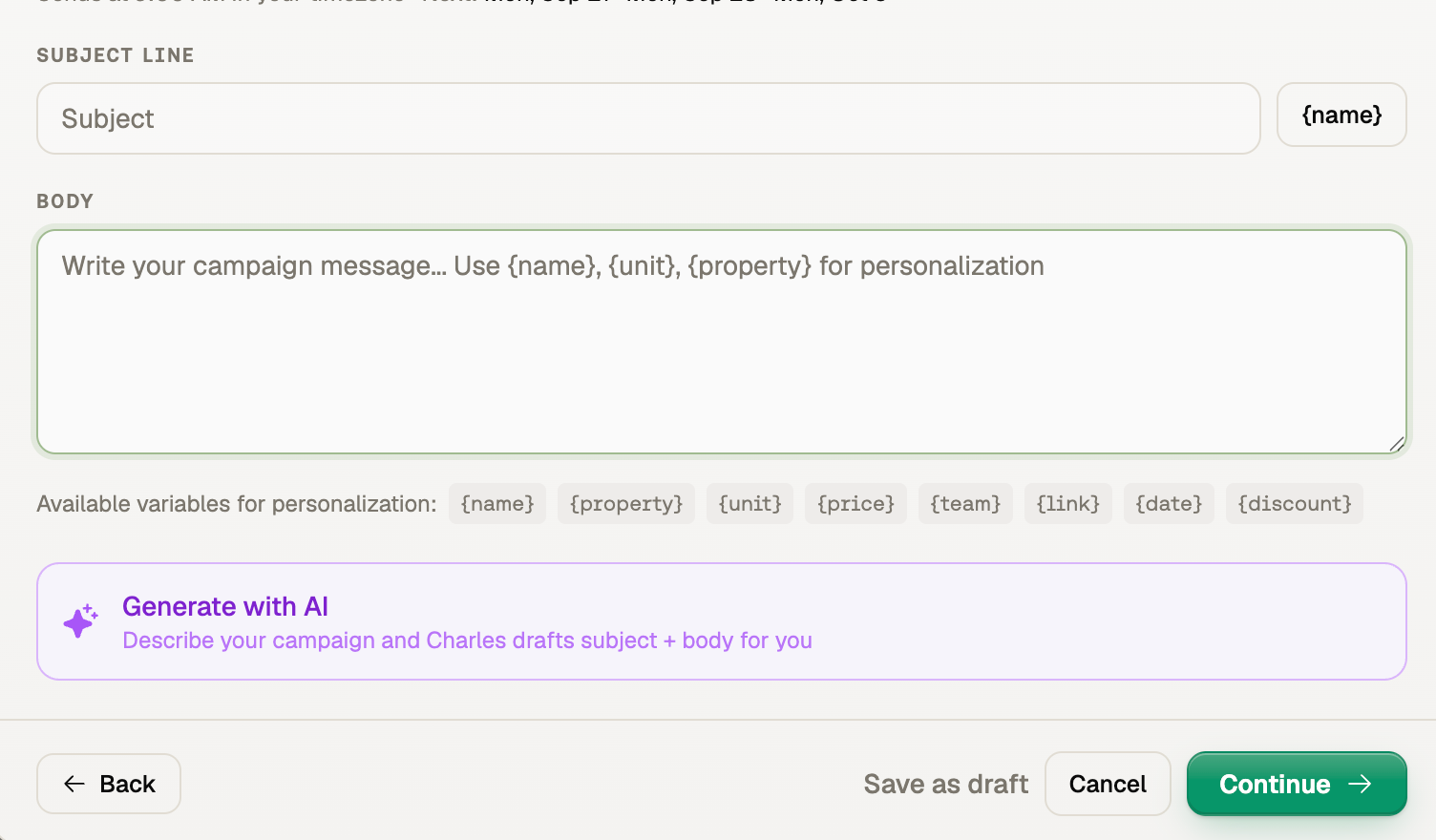
Instead of writing your campaign from scratch, describe what you want the message to accomplish in the AI Suggestions section.
RentBamboo will generate a draft based on your instructions.
You can then:
Import the generated message into your email or text campaign.
Review the message.
Make any edits you want.
Launch the campaign when you're ready.