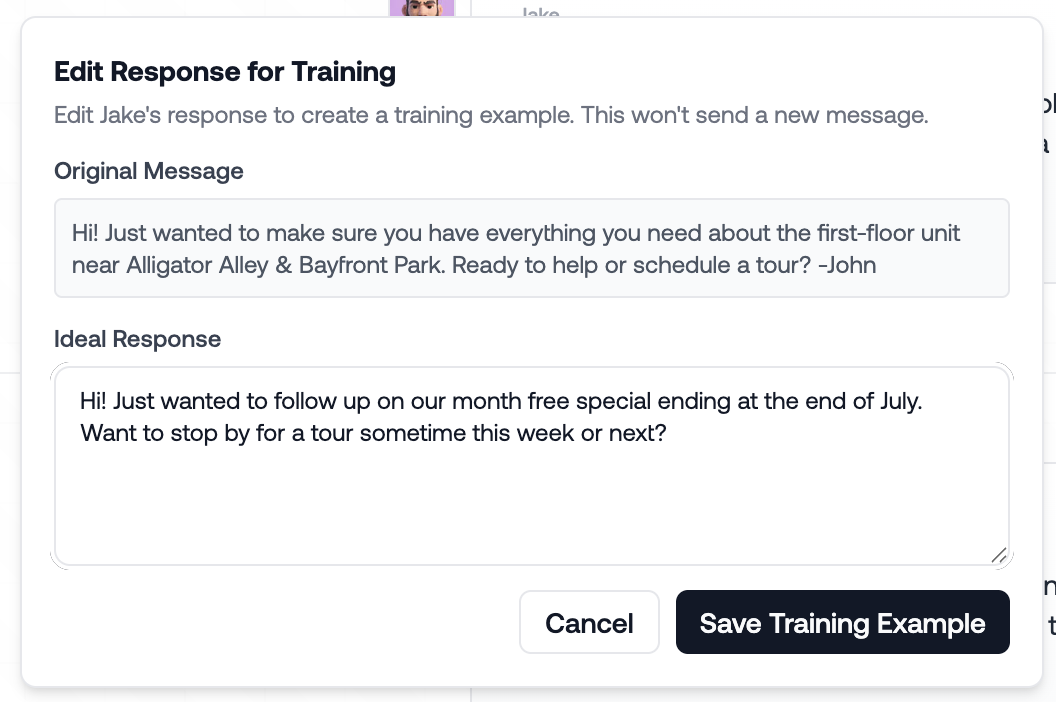
If the AI sent a poor message it’s actually a fairly easy fix! There’s 3 places we can update to ensure the AI reflects your operations.
Navigate to the Agent page, here you can enter new training or edit your existing training!
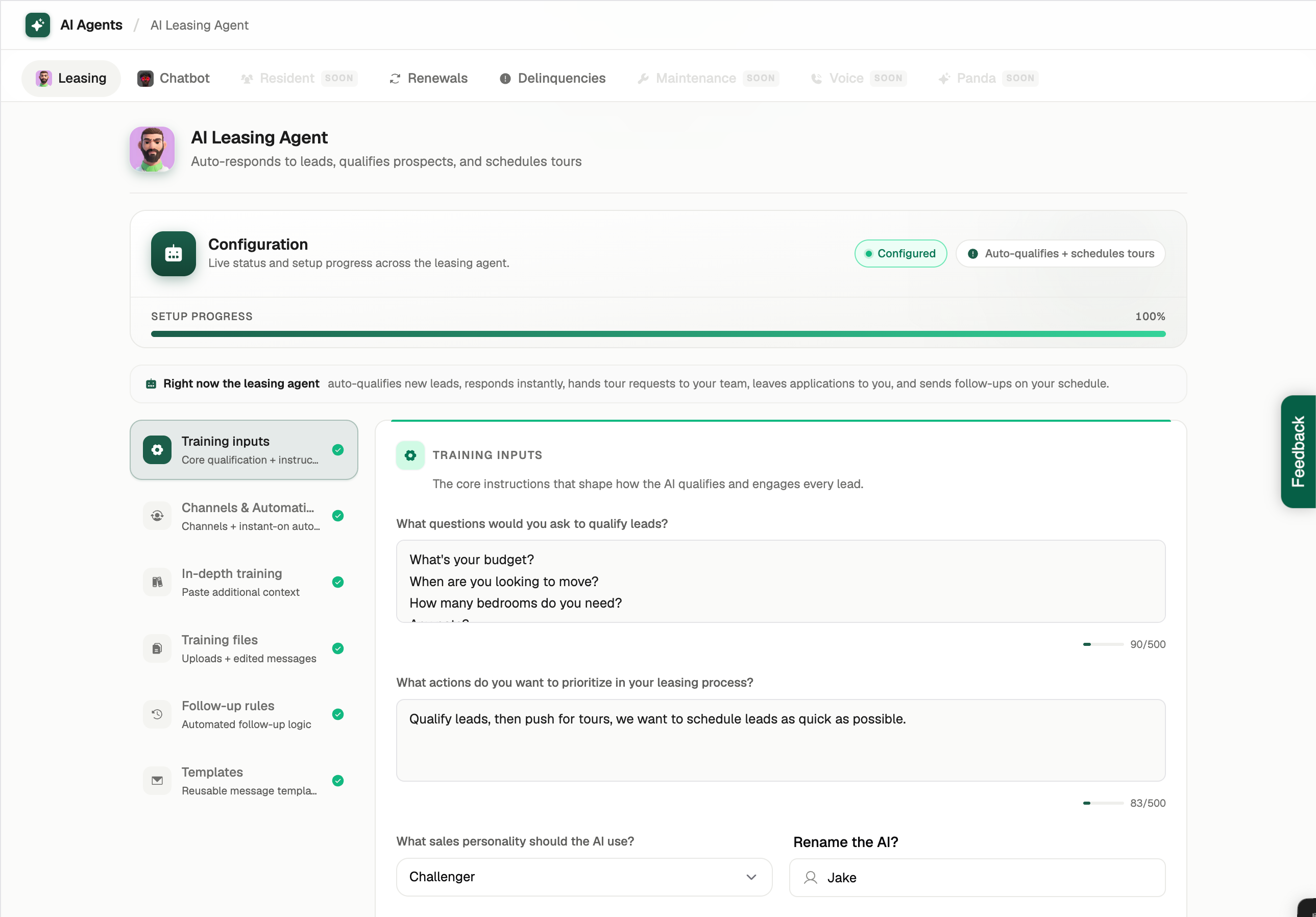
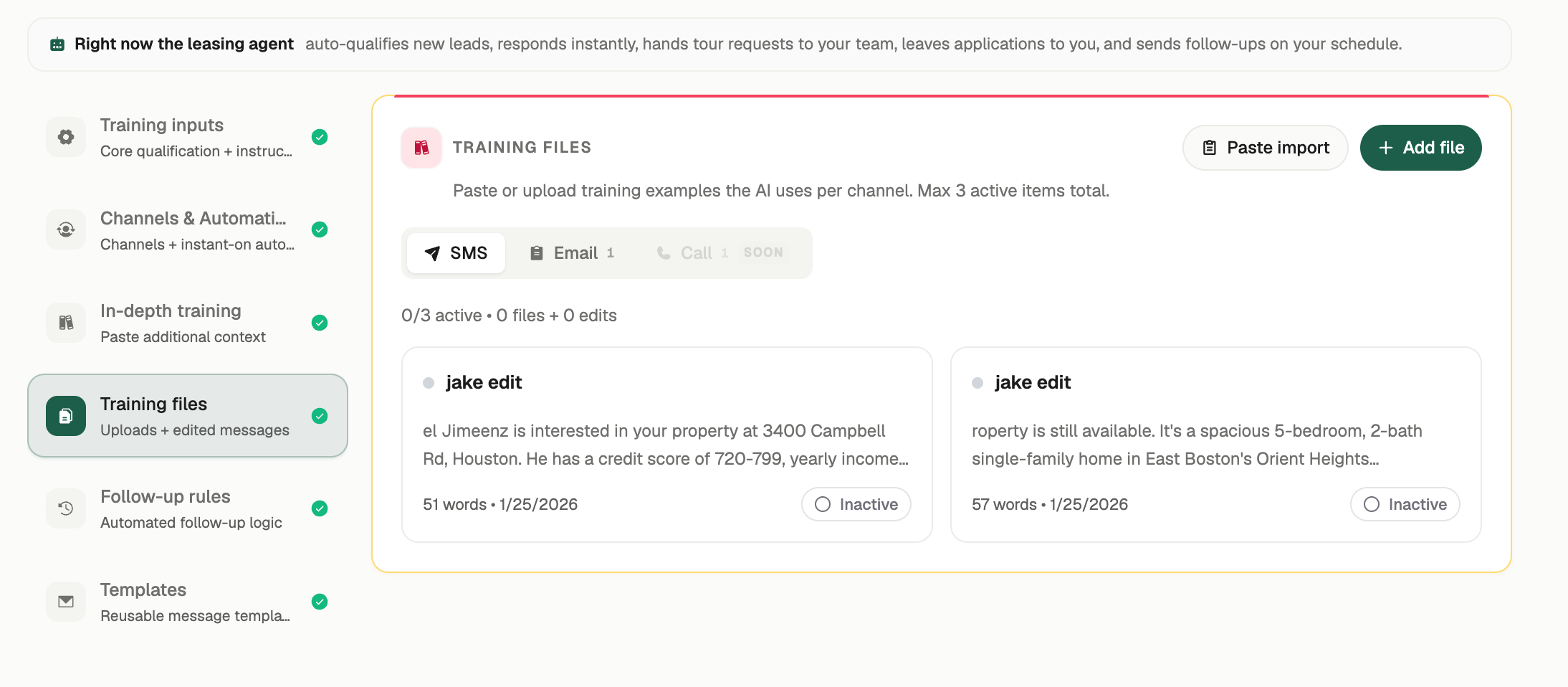
On the agents page, navigate to training files. You can enter training files such as template messages, property details, or common links prospects ask for.
You can also choose what channels you want the training to apply to. You can enter different training for different communication channels.
The AI will constantly learn from the training you give it. To make changes to poor text, navigate to the SMS inbox.
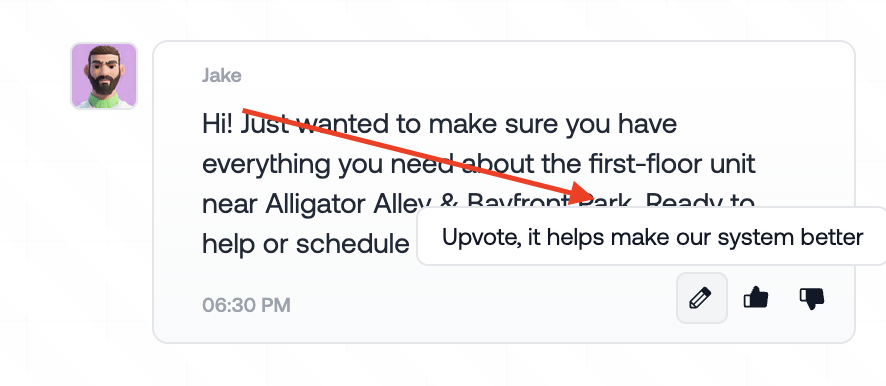
You can easily up or downvote the message or directly train the AI on the ideal response by clicking the pencil Icon.