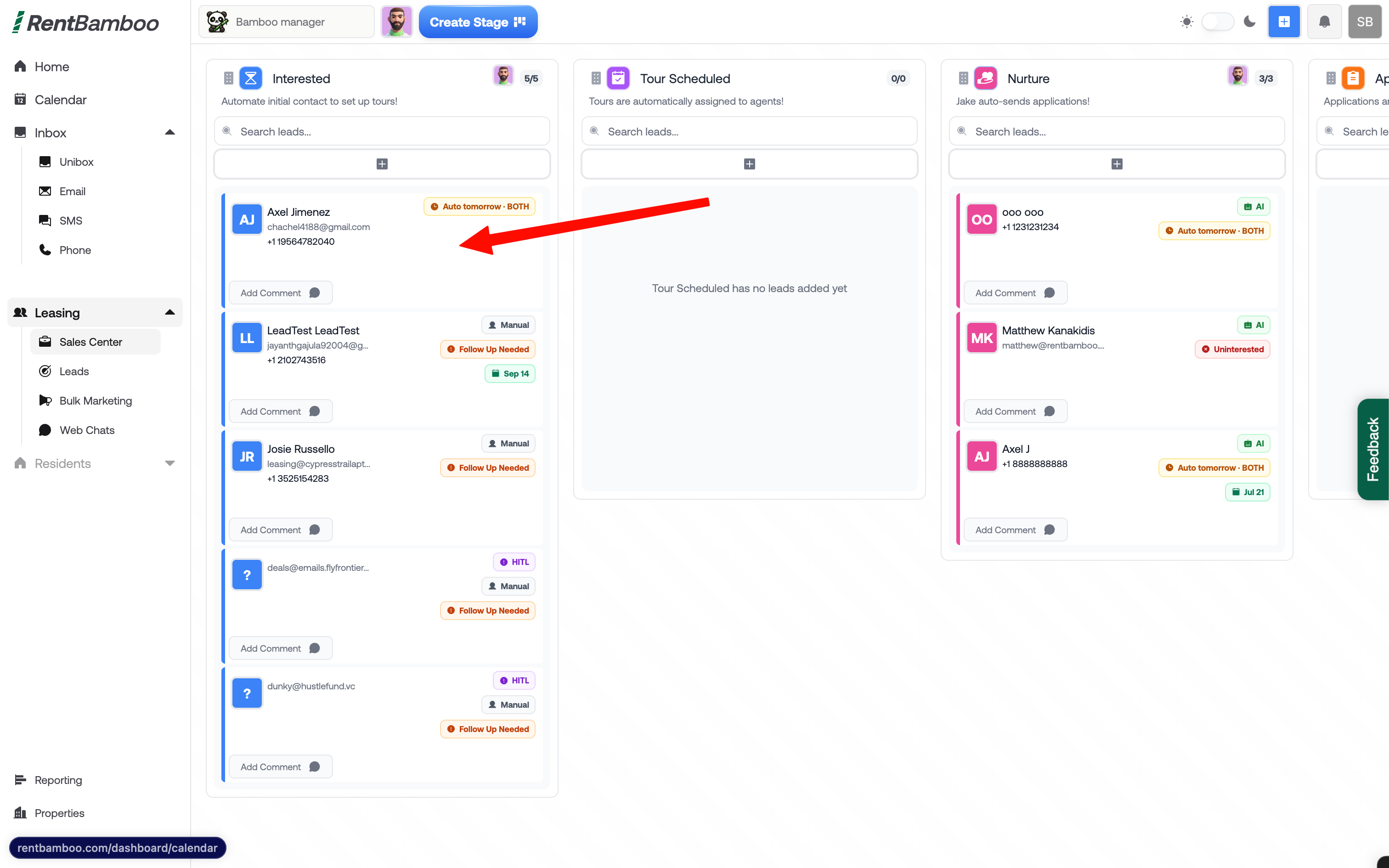
Open the Sales Center and select the prospect you’d like to generate a quote for.
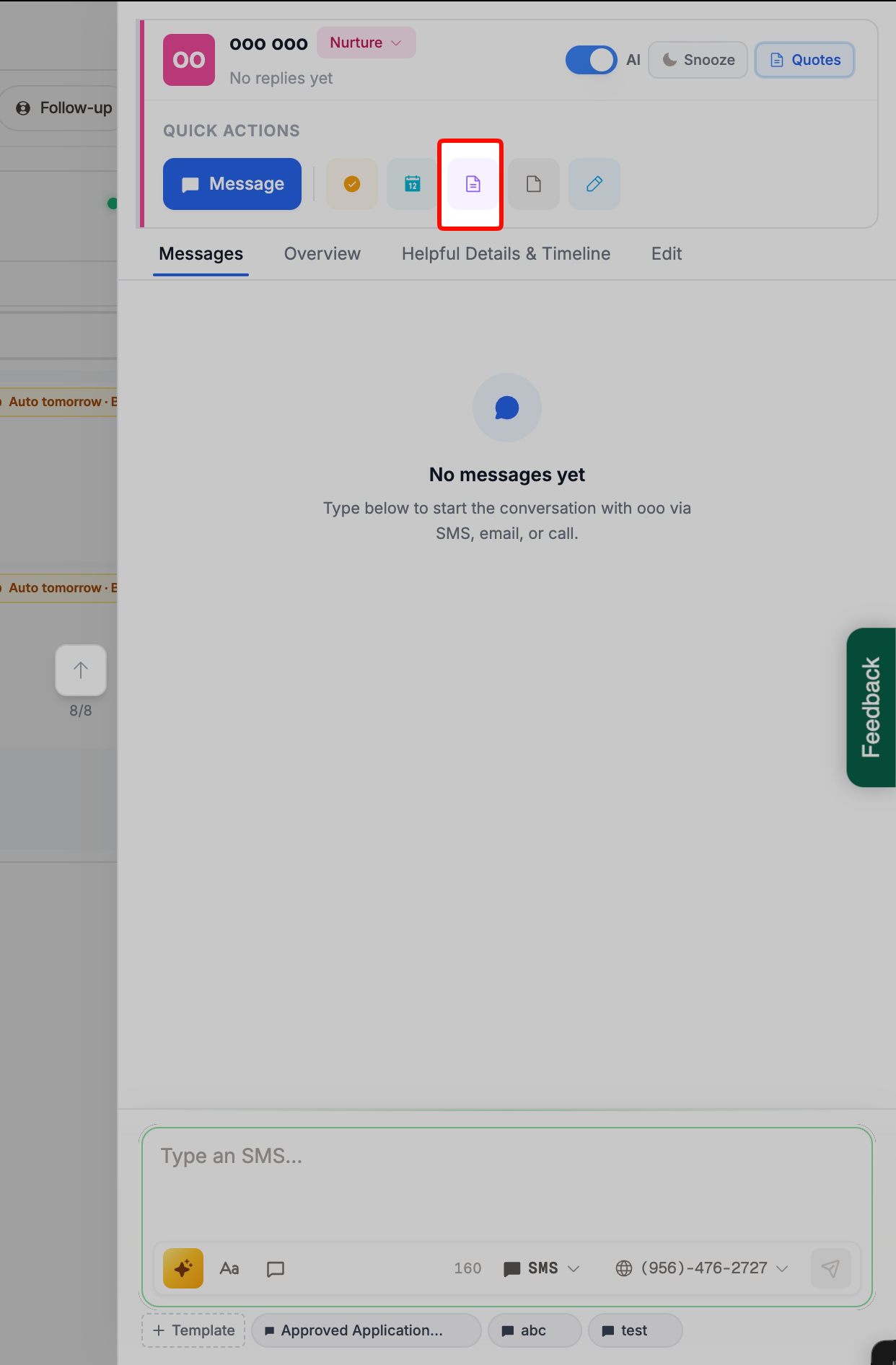
Choose the quote template you’d like to use.
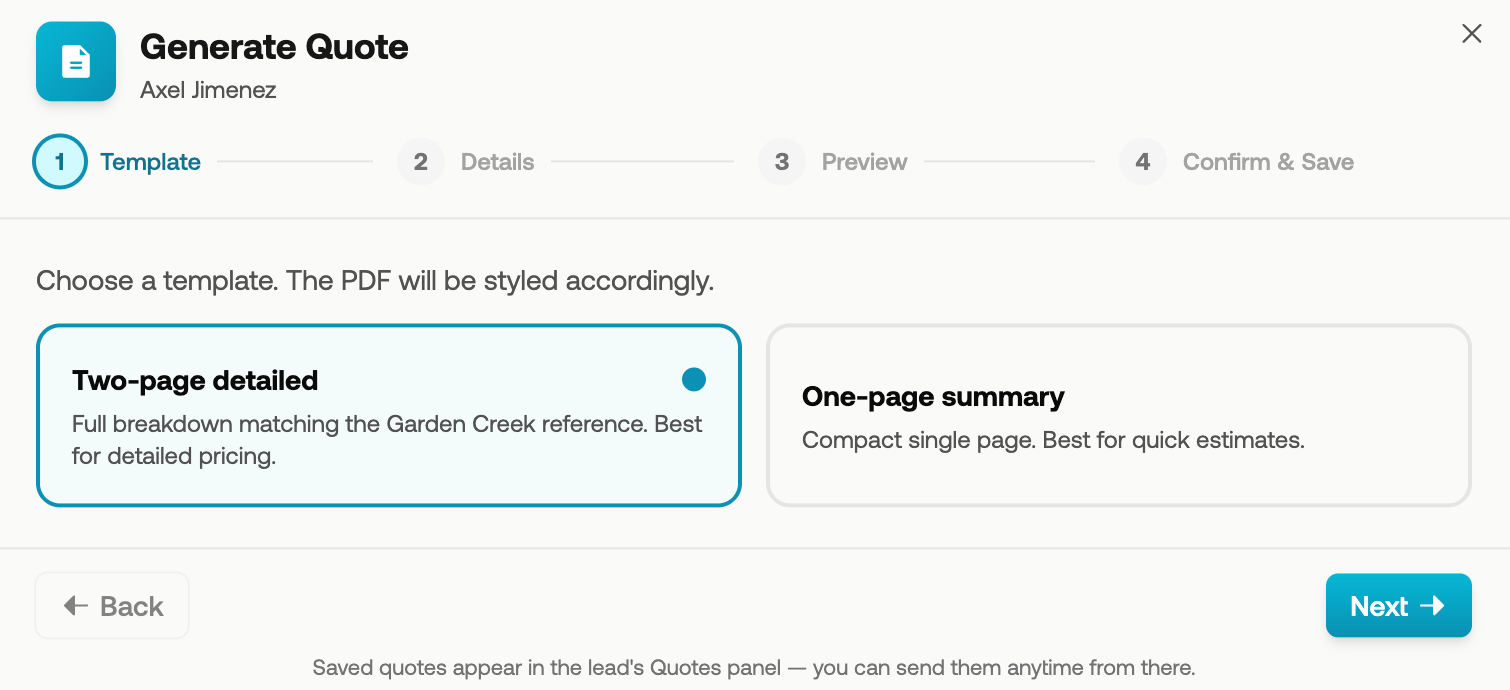
RentBamboo will automatically populate the prospect and property information.
If any required information is missing, make sure the prospect has a property and unit assigned. You can also manually enter any missing information.
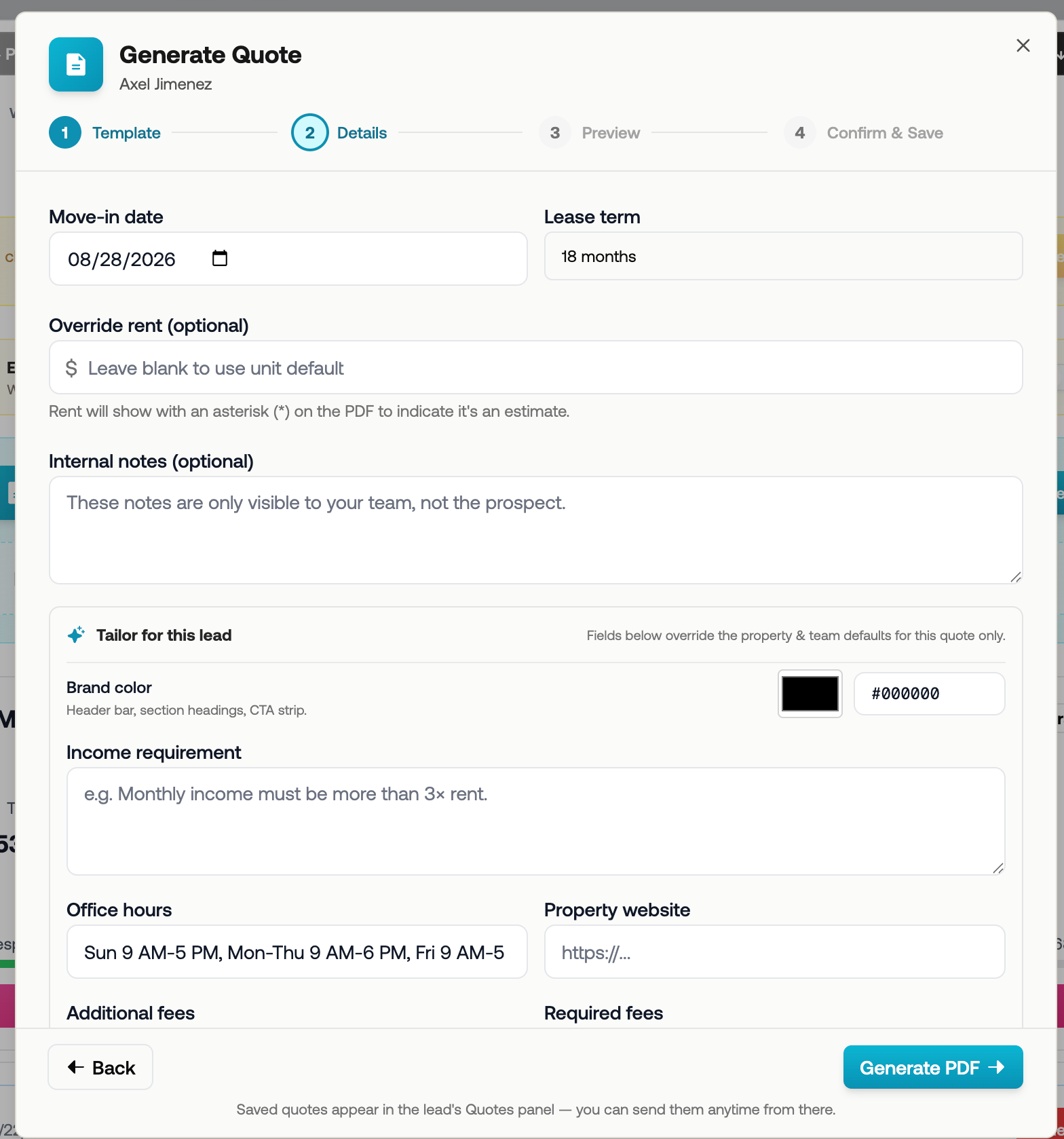
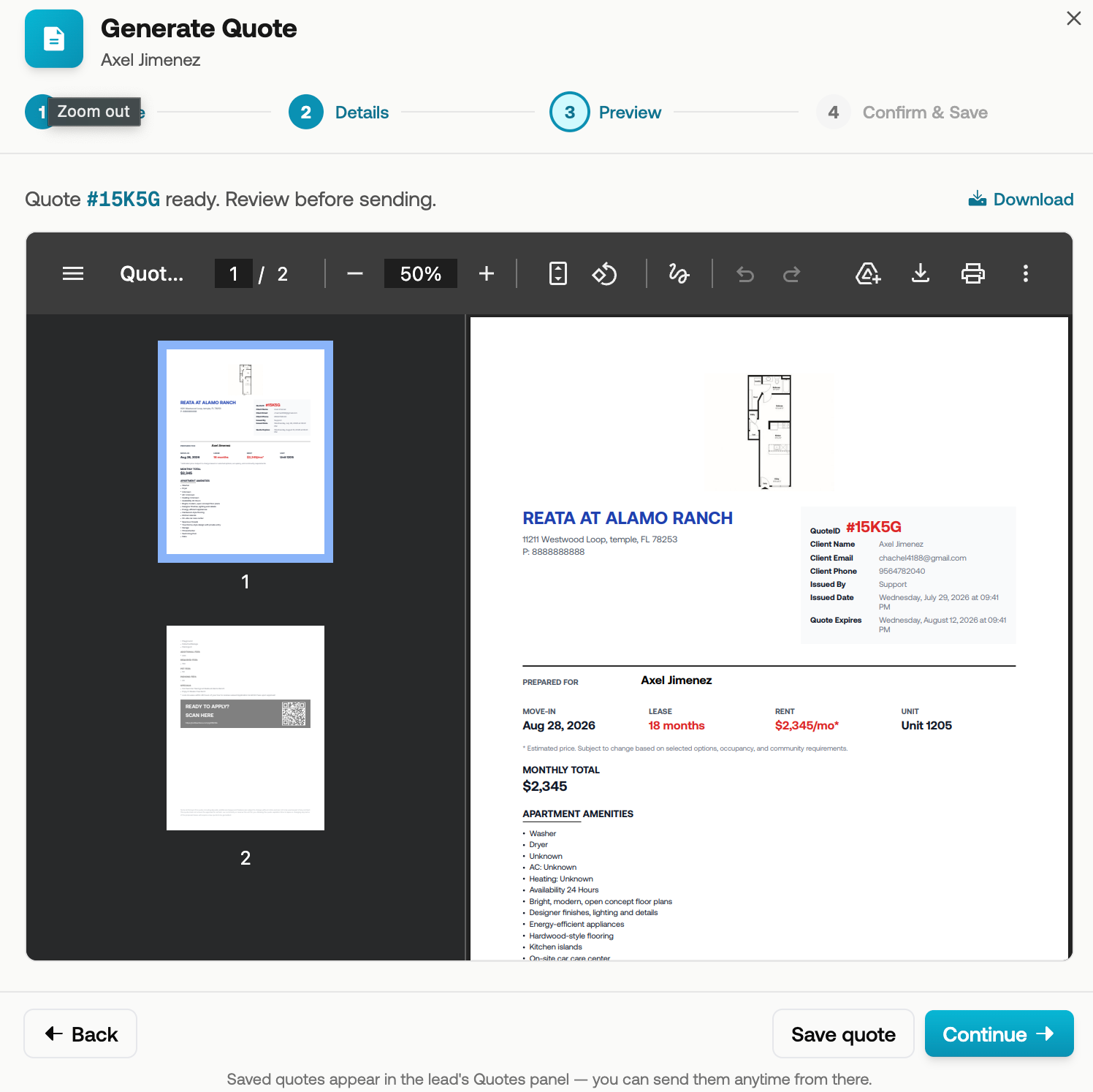
Review the quote to make sure all information is accurate and complete.
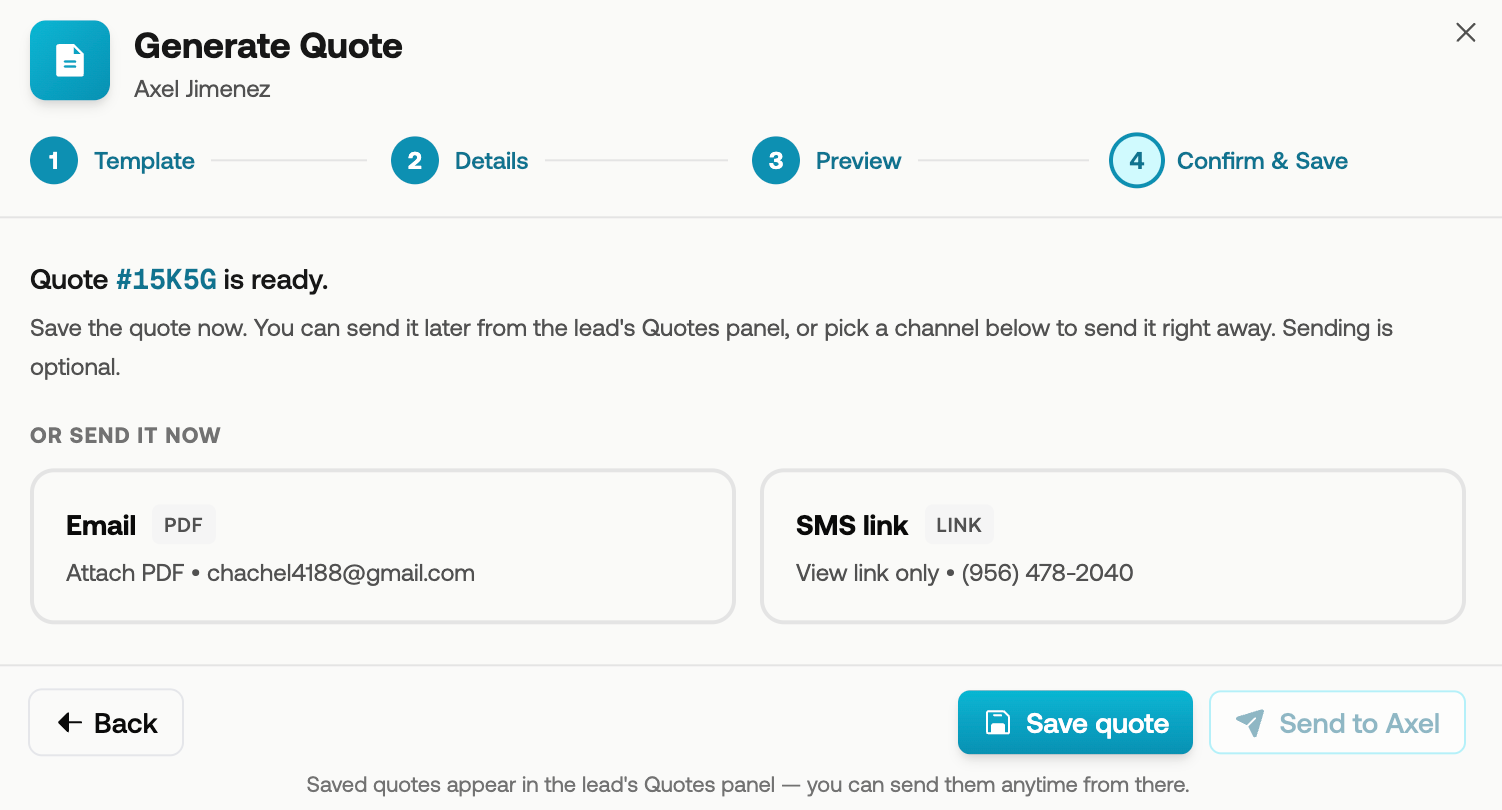
Send the quote directly to the prospect, or save it to send at a later time.
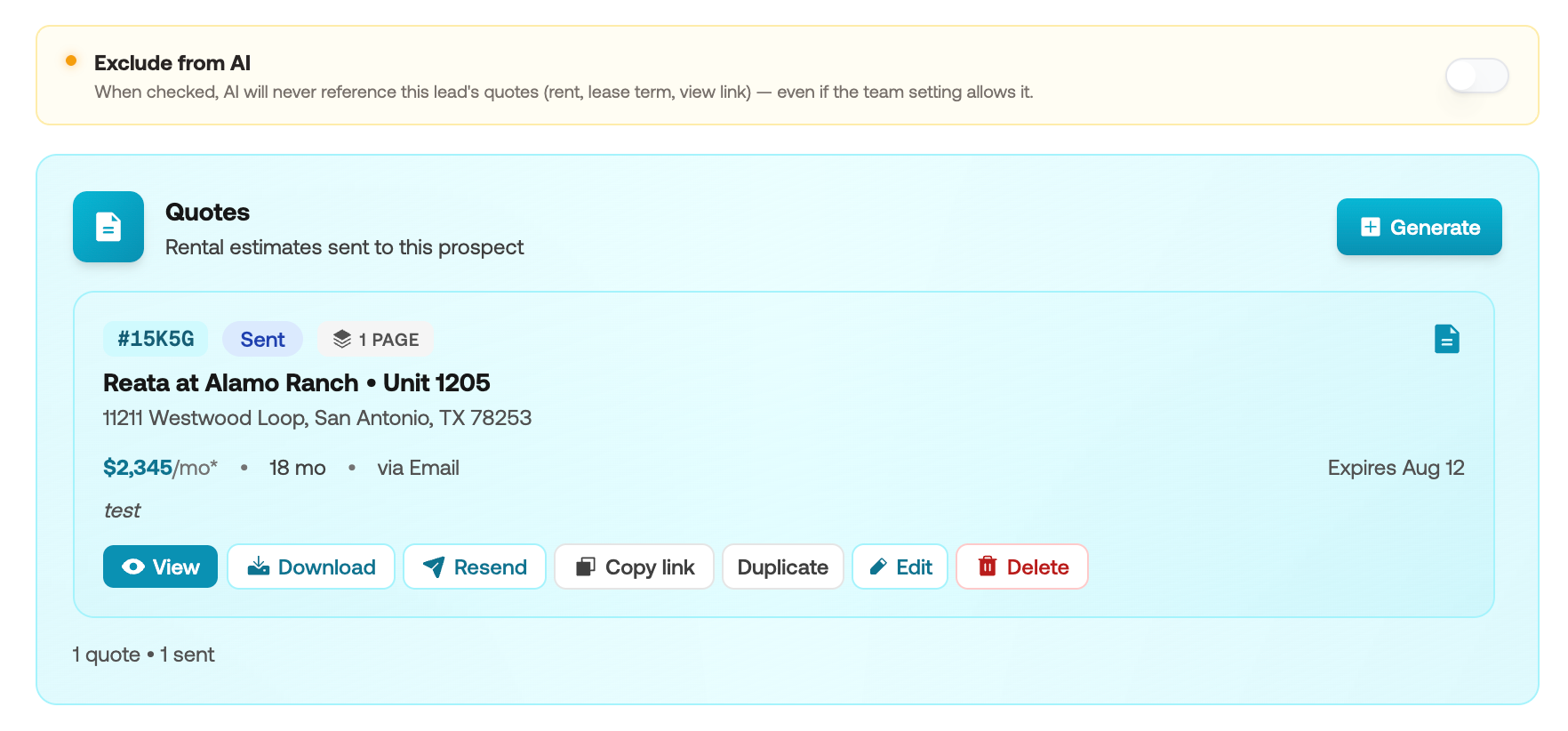
At any time, you can view additional information about the quote or exclude it from the AI Knowledge Base.