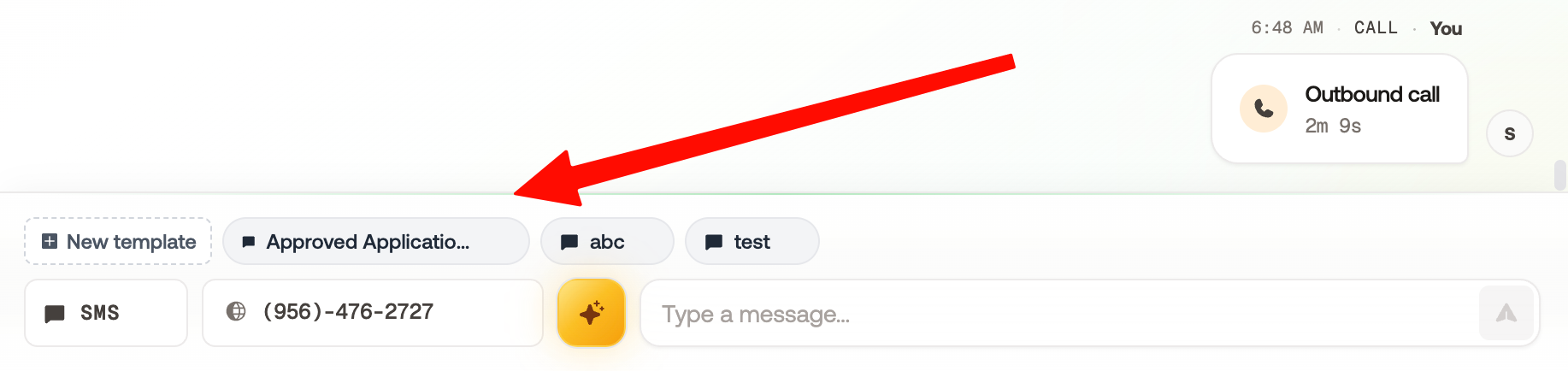
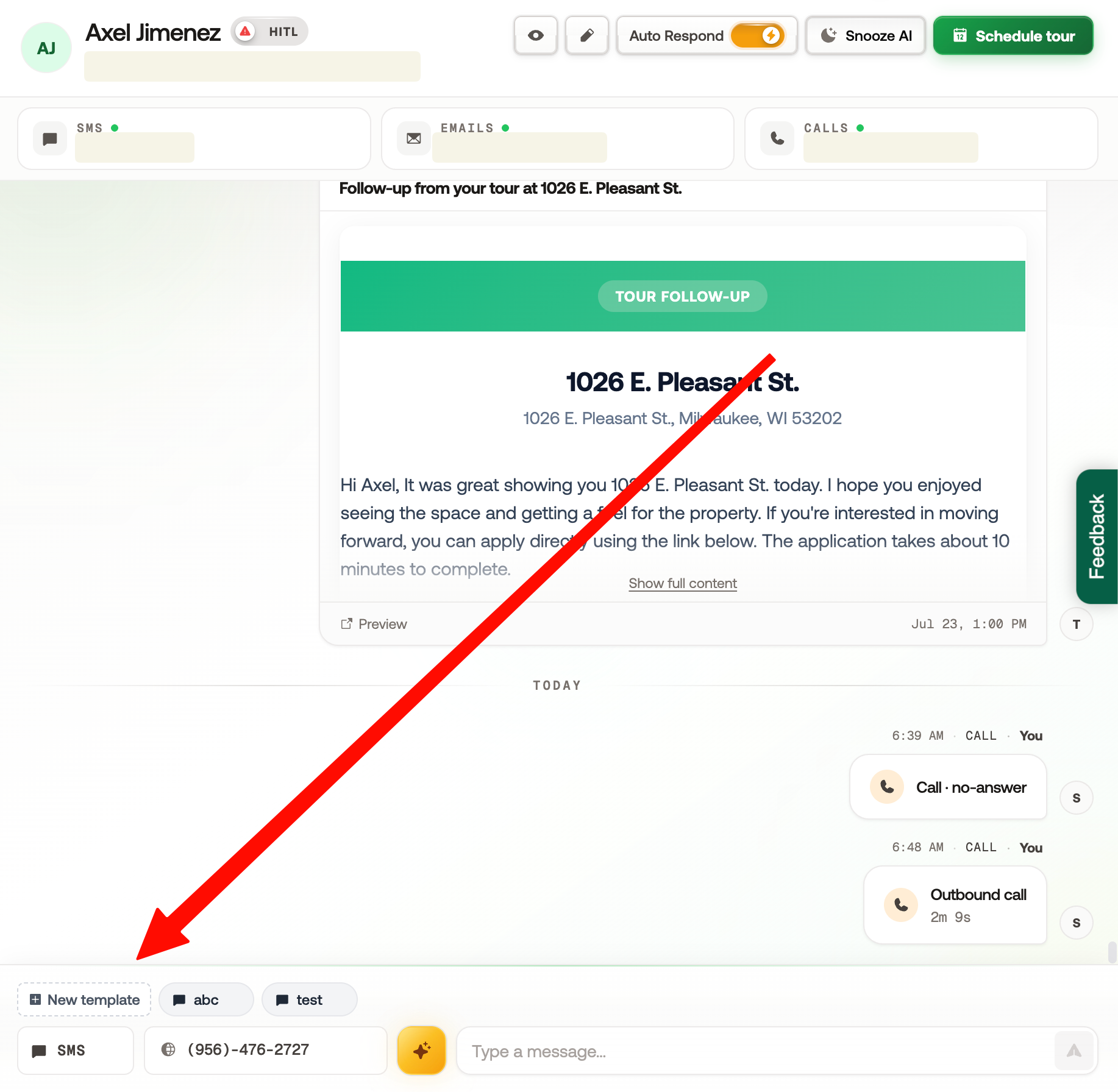
Open the Unibox or any individual Inbox where you’d like to create a template.
Click the New Template button located above the Inbox chat.
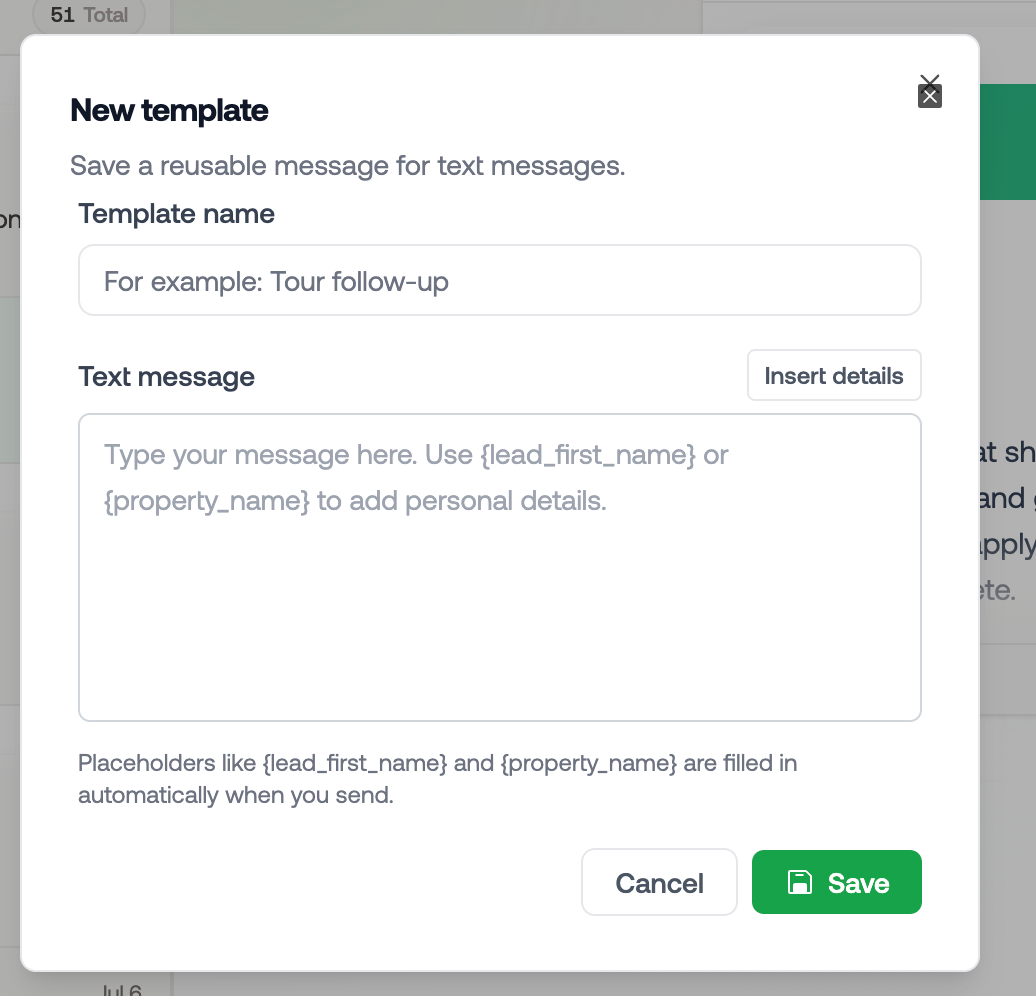
Enter a template name, write your message, and add any placeholders you’d like to use.
You can use your saved template at any time by clicking the Template Title. The template message will automatically populate in the message composer, ready for you to review and send.