
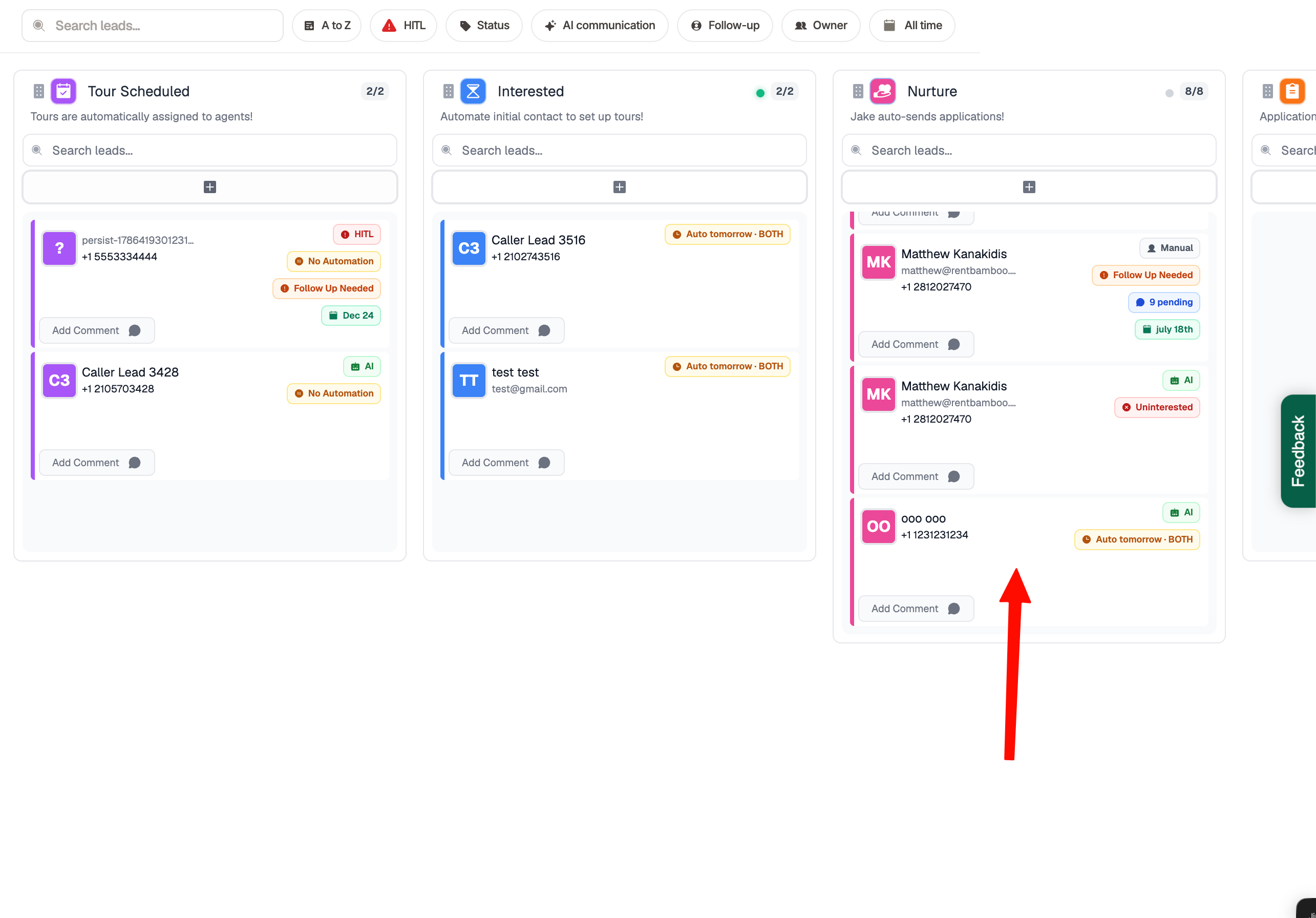
Select a Prospect In The Sales Center
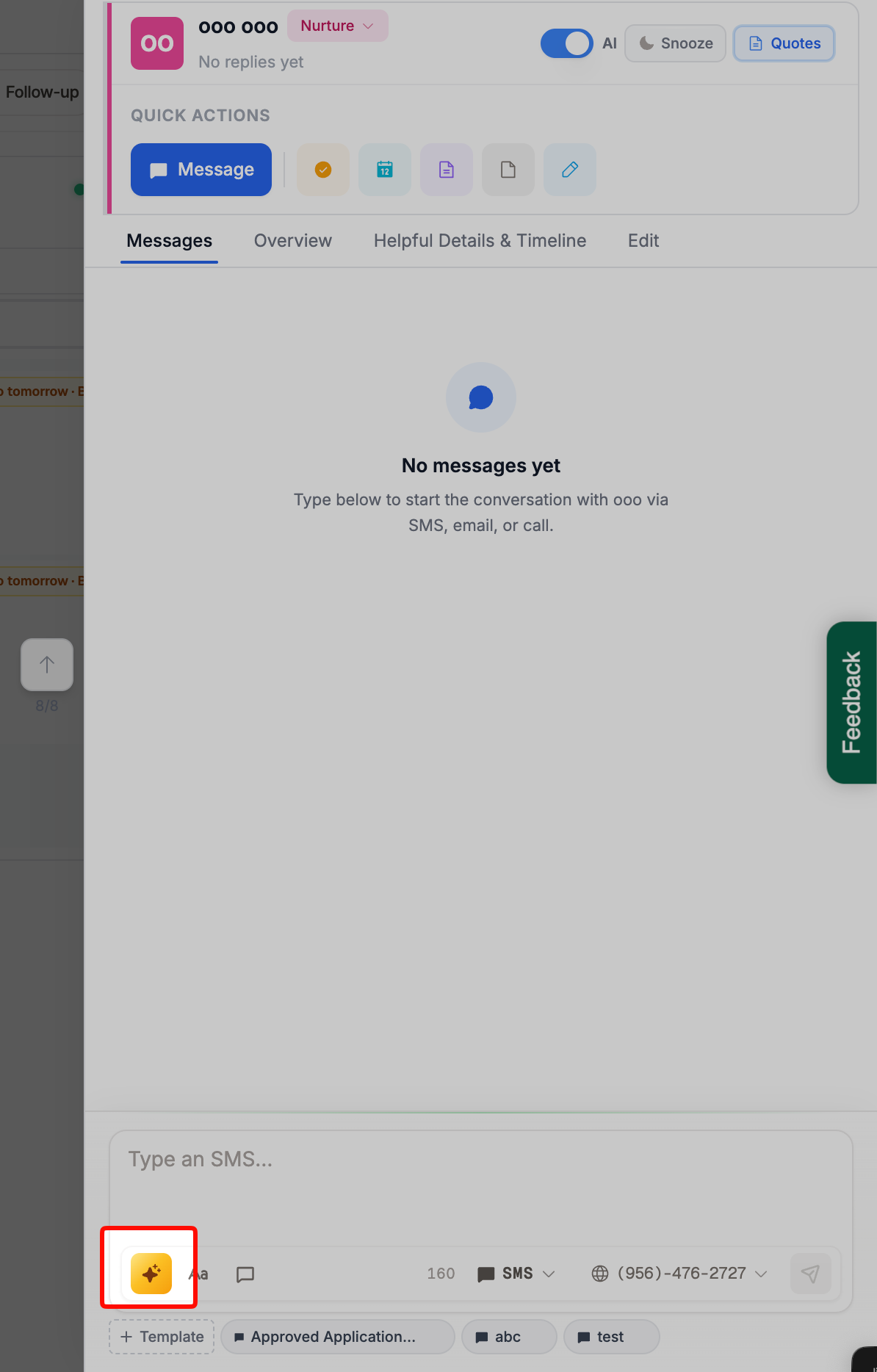
Select the AI Icon
Prompt the AI
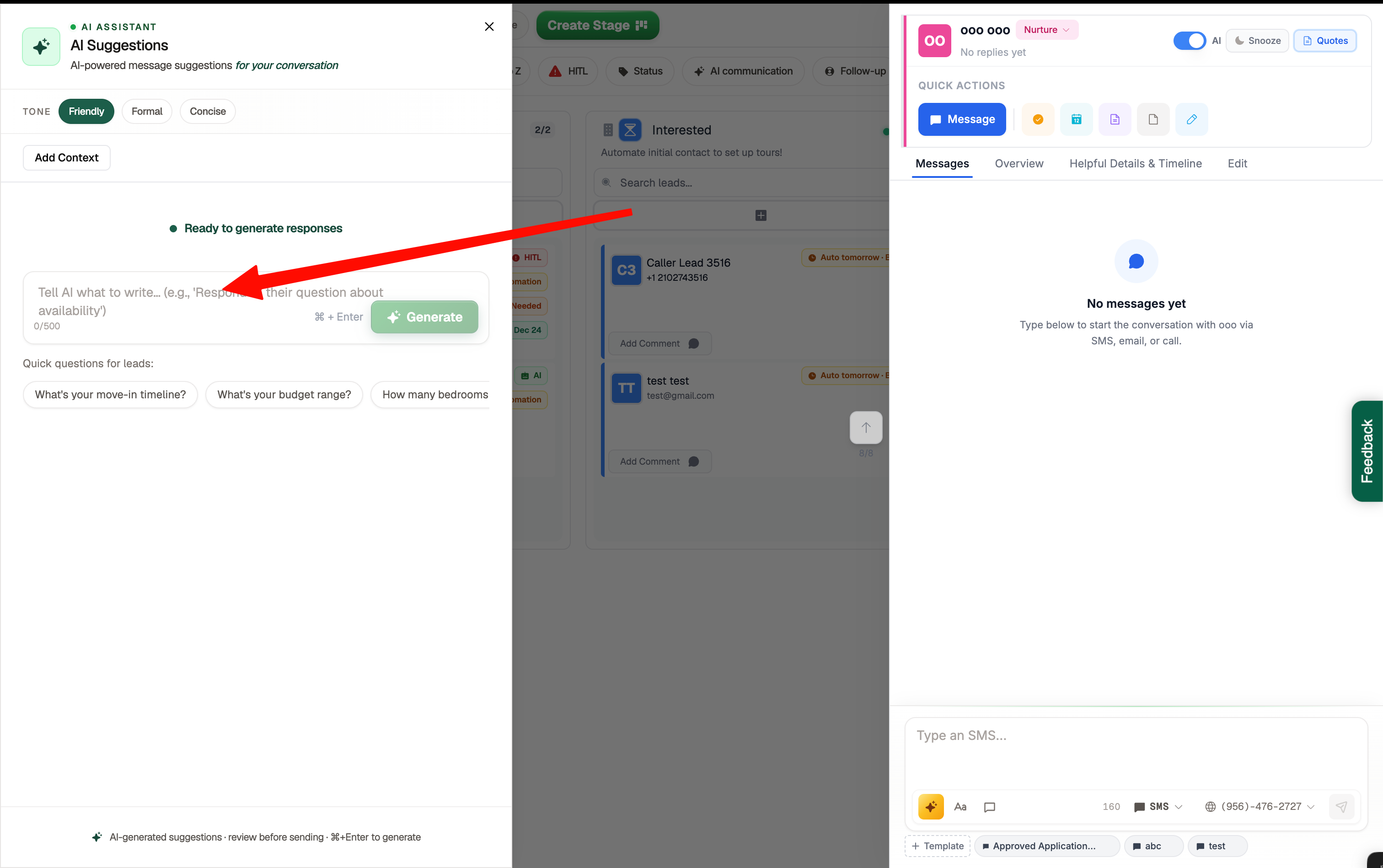
Tell the AI what you want it to do. For example, you can ask it to respond to the prospect, push them to schedule a tour, send an application link, or take another action.
Select a Message
Select a message to automatically add it to the message box on the prospect’s lead card. You can send it as is or make any edits you’d like before sending.