Step 1: Navigate to the Agents Tab
Go to the Agents tab and select Leasing Training & Follow-Up Call Tasks.
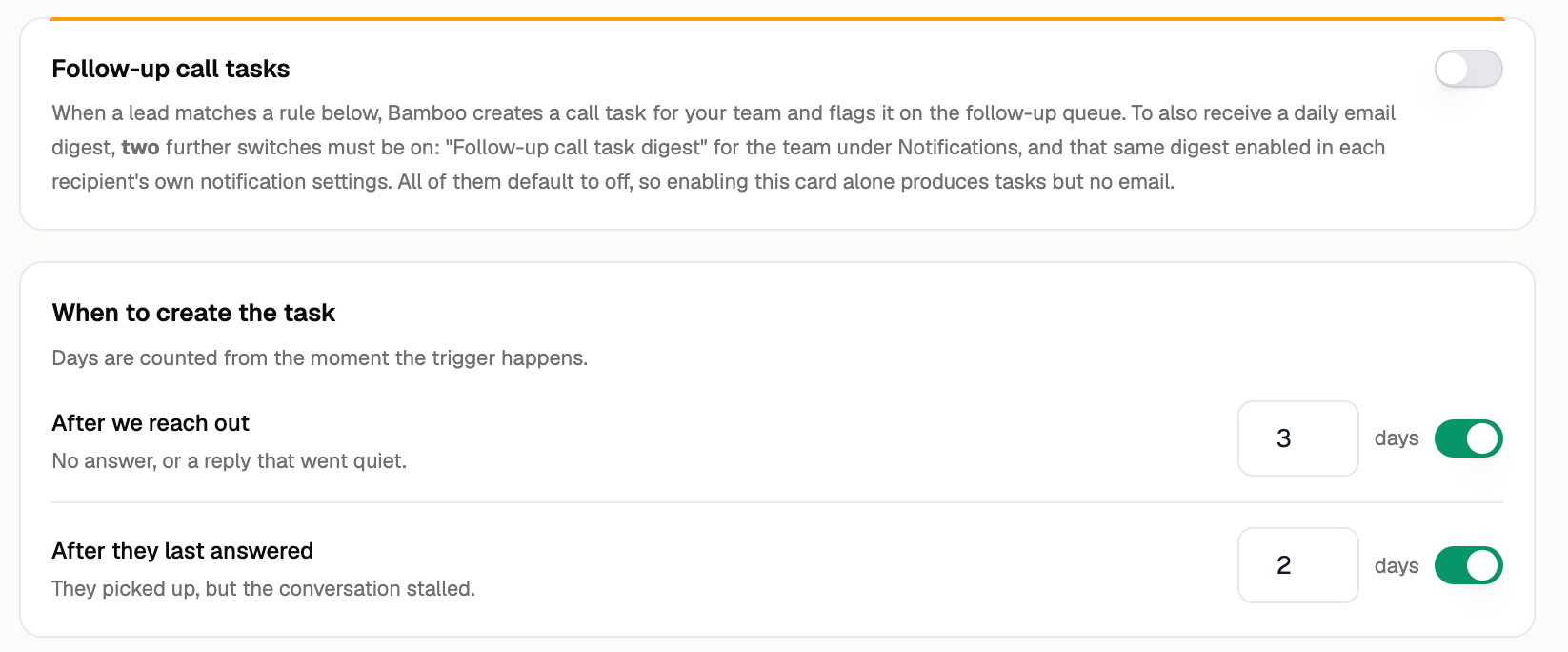
Step 2: Configure Your Call Task
Choose whether you want to activate call tasks.
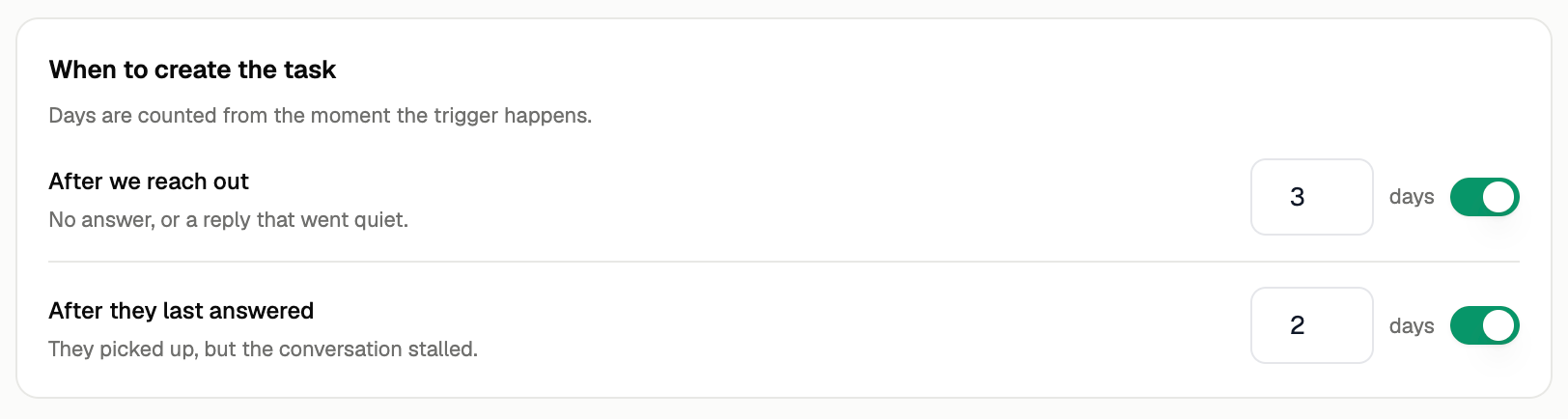
You can also set the rules that control when a call task is triggered.
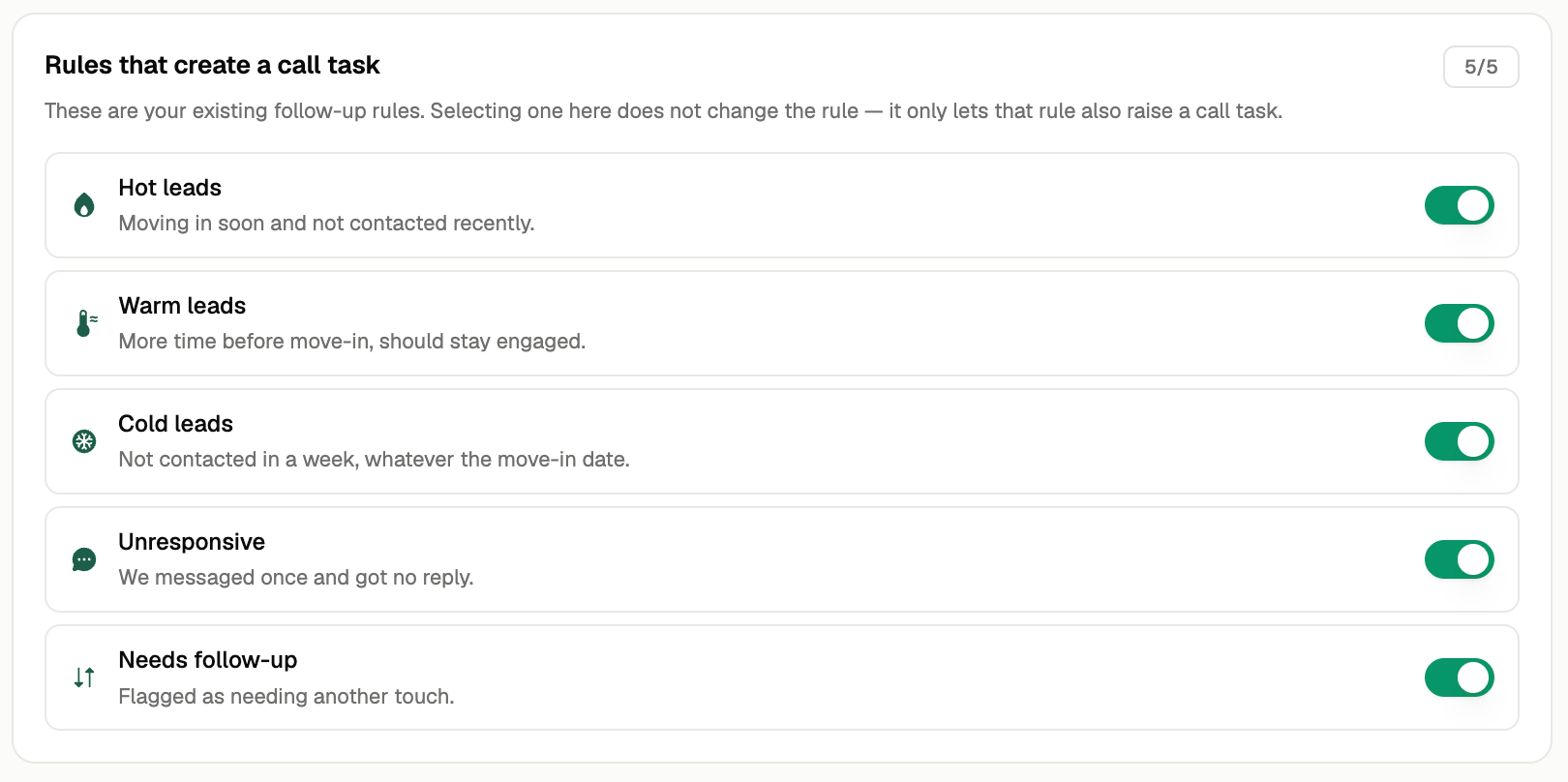
Step 3: Select Who Should Receive Call Tasks
Choose which prospect groups should receive call tasks and which groups should be excluded.
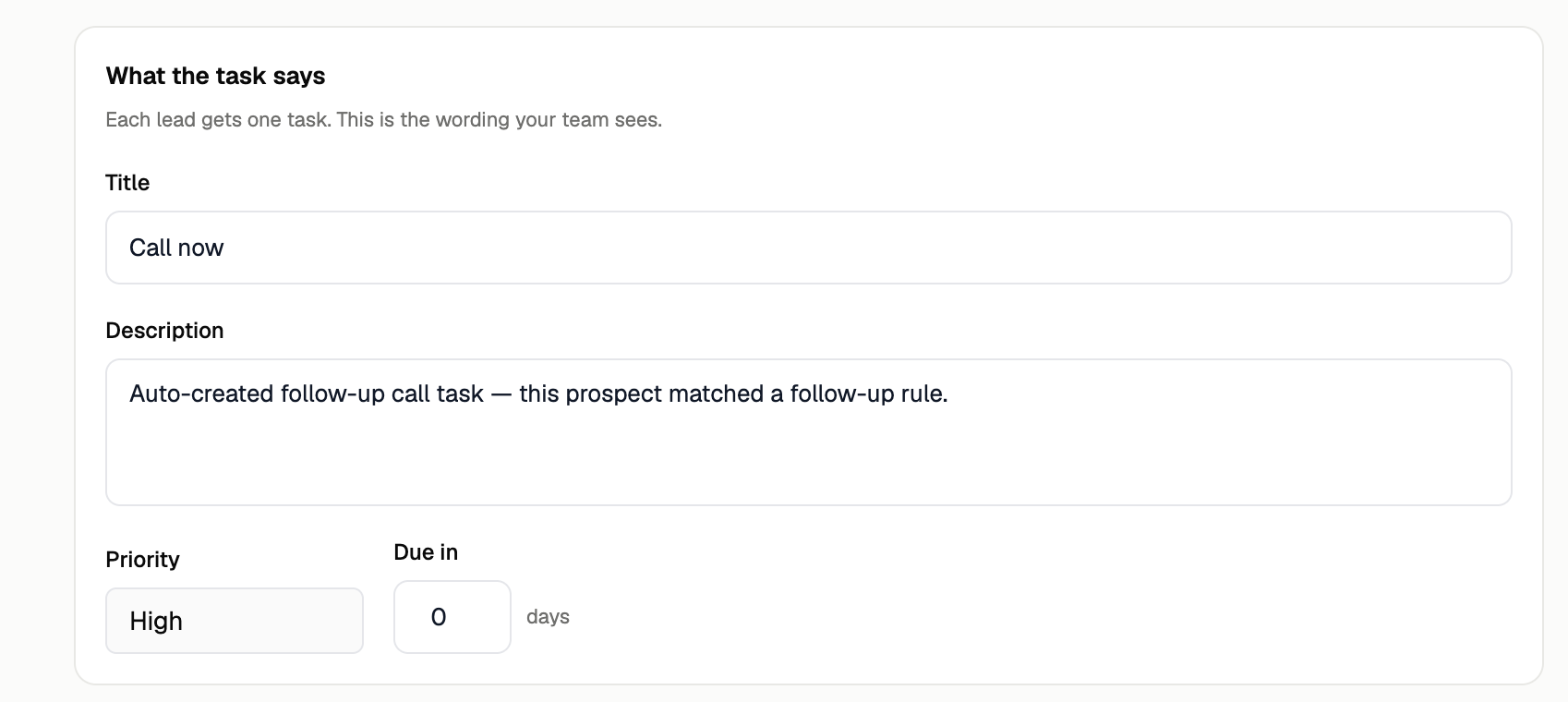
Step 4: Finalize Your Task
Before saving your call task, configure:
Task instructions: What the team member should do
Priority: How urgent the task is
Due date: When the task should be completed
Once configured, save the task to begin automatically creating call tasks for qualifying prospects.