Step 1: Choose Your Filters
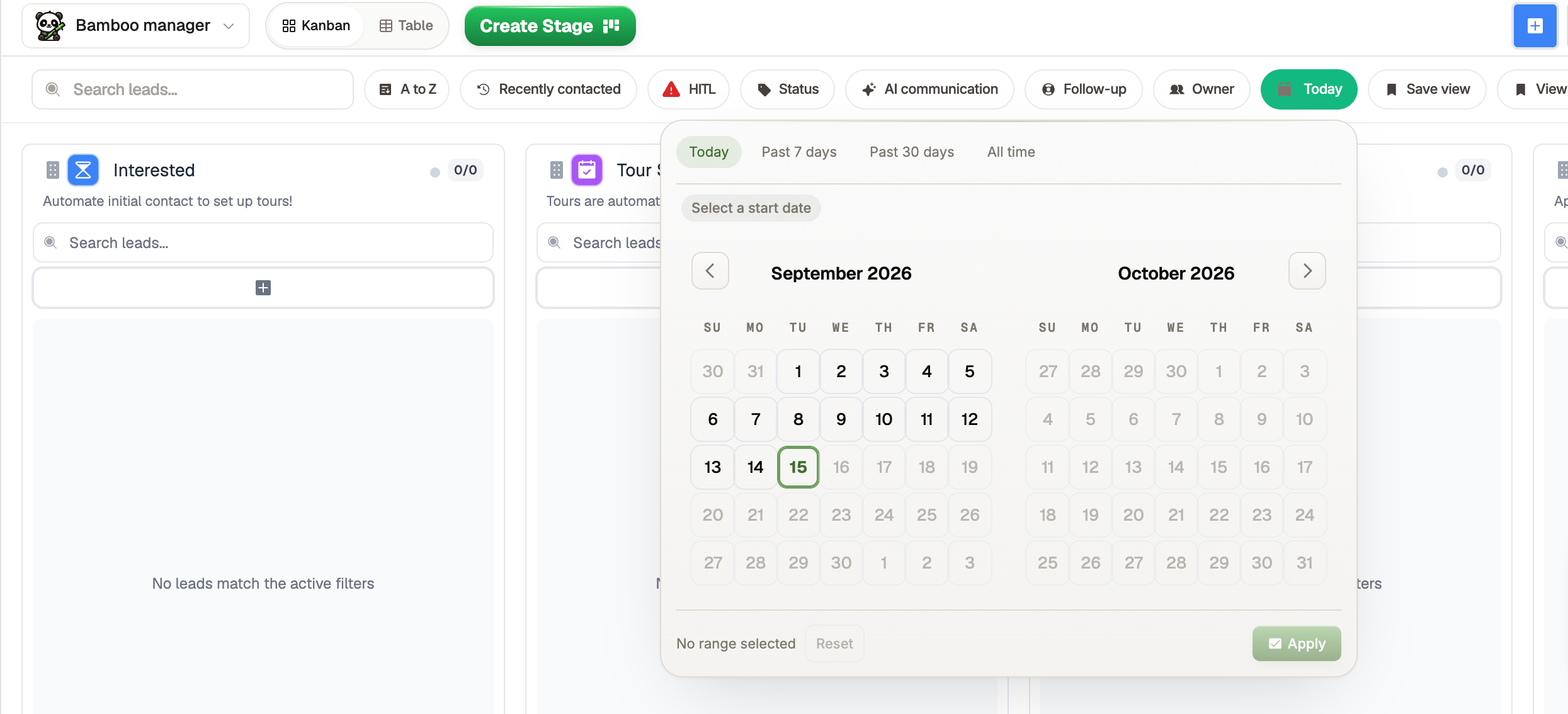
The Sales Center has a variety of filters you can use to organize and narrow down your leads.
For this example, we'll create a view for new leads by setting the date filter to Today.
You can combine multiple filters to create more specific views, but we'll keep it simple for this example.
Step 2: Save Your View
Once you've selected your filters, click Save View in the filter menu.
Enter a name for your view and save it.

Step 3: Access Your Saved View
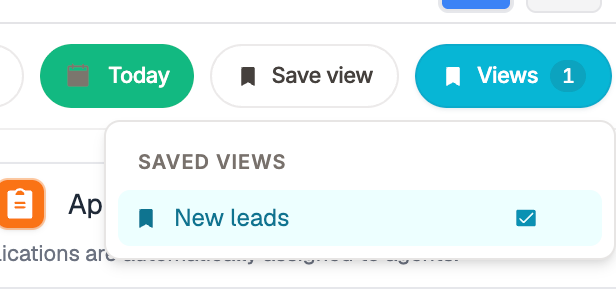
To use a saved view, open the Views filter.
Select the view you created, and RentBamboo will automatically apply the saved filters.